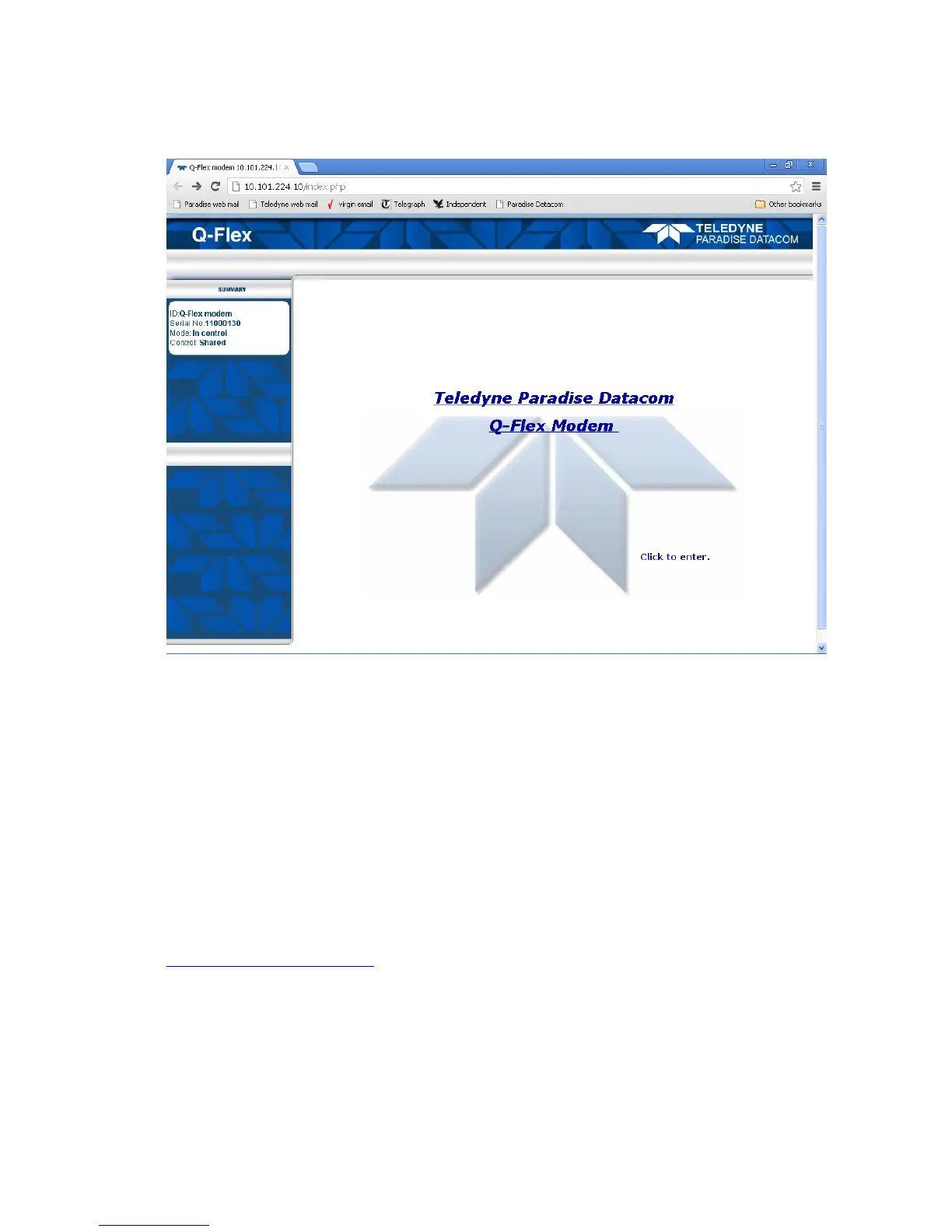
Figure 6-2 Web Server Welcome Screen
This screen will include the text ‘The web user interface is in ‘View-only’ mode’ when the
modem is in Local control mode, in which modem control is restricted to front-panel
operation only. The Status screen shown in Figure 6-3 will then be presented.
6.2.2 Status Screen
The Status screen is shown in Figure 6-3.
Note that 1:N backup modems will show additional status information as defined in the
document ‘Installation and Operating Handbook for Quantum, Evolution and Q Series
Satellite Redundancy Switches’, which is available for download from
http://www.paradisedata.com.



 To Next Page