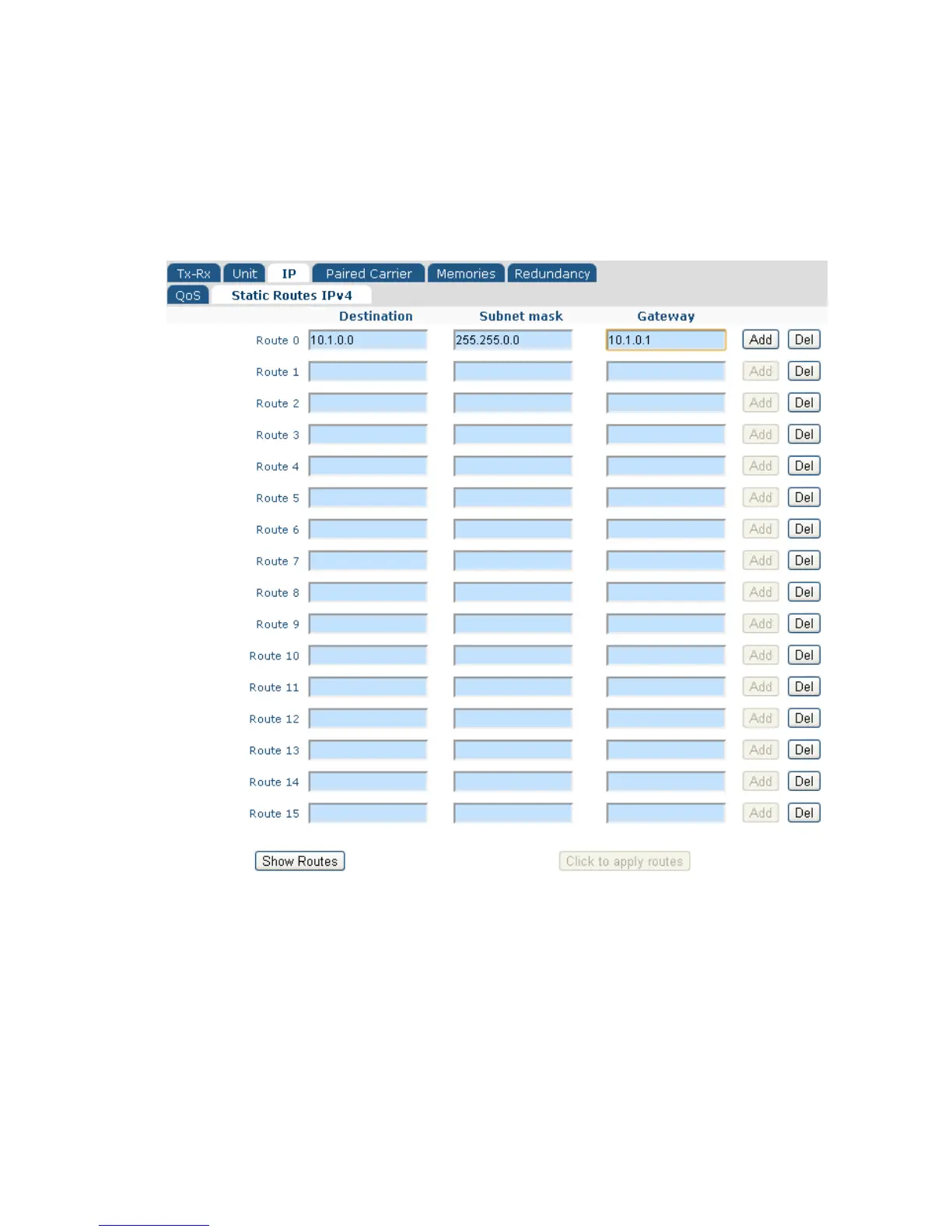
6.2.5 Edit->IP->Static Routes Screen
The Edit->IP->Static Routes screen, shown in Figure 6-24, allows up to 16 static routes
to be added.
Figure 6-24 Edit->IP->Static Routes Screen
Each route consists of a destination IP address, subnet mask and a gateway address.
The Add button must be selected in order to enable each route.
The Del button is used to delete individual routes.
The Click to apply routes button must be selected to apply the static routes before
navigating away from the web page.



 To Next Page