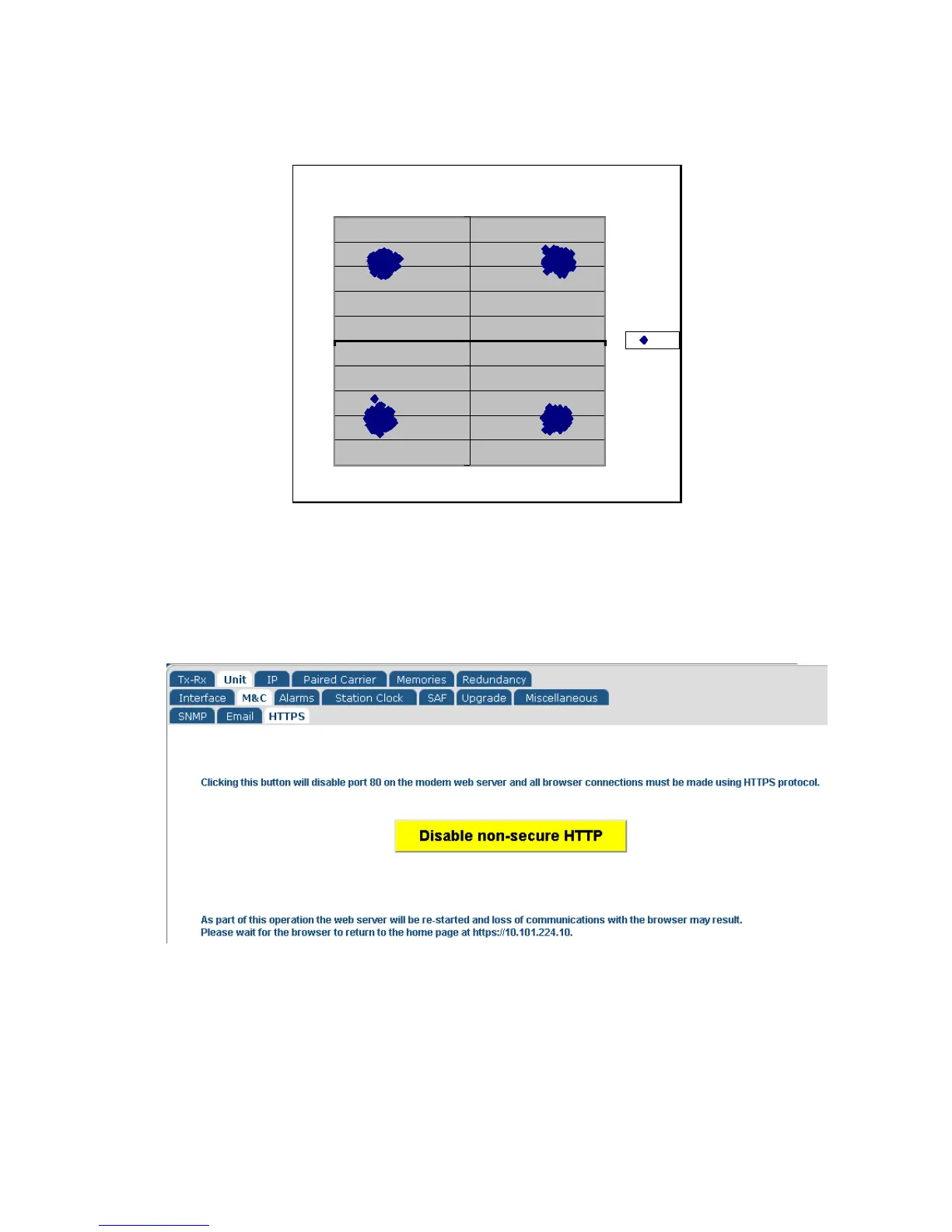
Figure 6-13 Example Constellation Graph (Microsoft Excel)
6.2.9 Edit->Unit->M&C->HTTPS Screen
The Edit->Unit->M&C->HTTPS screen is shown in Figure 6-14.
Figure 6-14 Edit->Unit->M&C->HTTPS Screen
Secure HTTPS connections to the modem’s web server (on port 443) are always
enabled. However, it is possible to disable (and re-enable) standard HTTP requests (on
port 80) using this screen.



 To Next Page