boots the modem from a backup copy of the software stored when the modem was
manufactured. Once the modem has been recovered then the standard upgrade process
can be repeated.
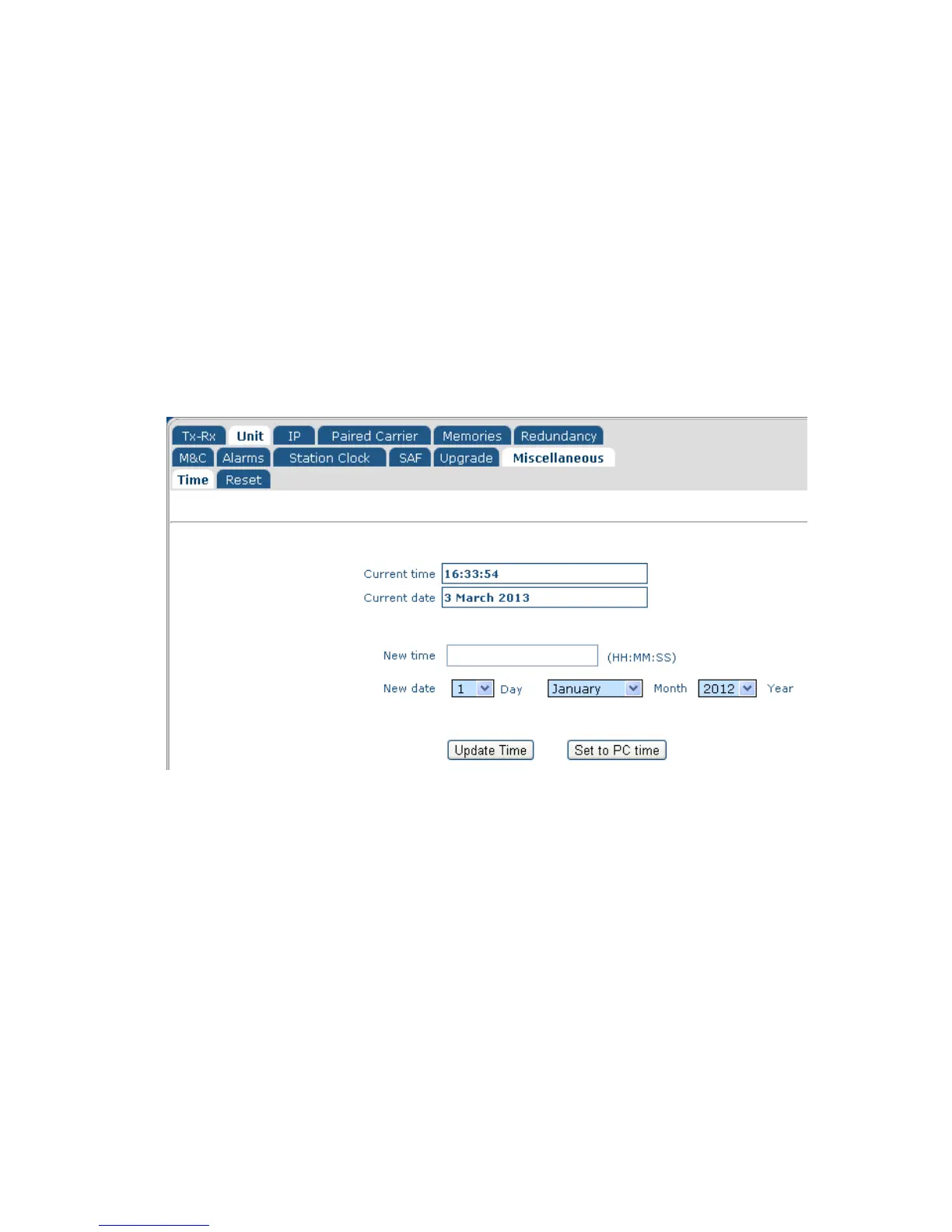
6.2.14 Edit->Unit->Miscellaneous->Time Screen
The Edit->Unit->Miscellaneous->Time screen is shown in Figure 6-19. This allows the
modem’s real time clock to be set. The modem incudes a battery and maintains the time
even when powered down. The modem will display a dialog box to confirm that the date
and time have been changed (however, this will be displayed very briefly and may not be
seen in every case).
Figure 6-19 Edit->Unit->Miscellaneous->Time Screen
6.2.1 Edit->Unit->Miscellaneous->Reset Screen
The Edit->Unit->Miscellaneous->Reset screen is shown in Figure 6-20. This allows the
modem to be reset, following confirmation.



 To Next Page