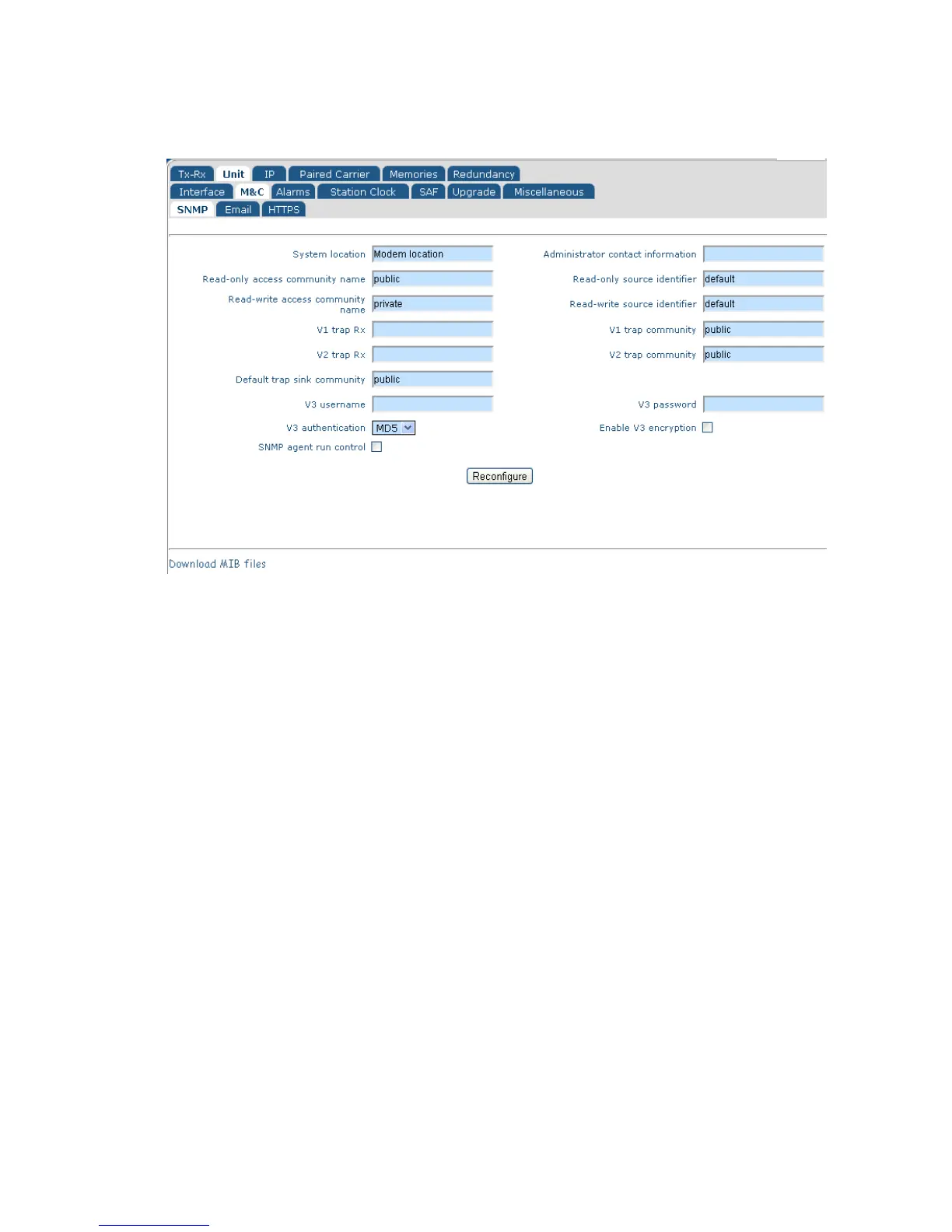
Figure 6-11 Edit->Unit->M&C->SNMP Screen
The Simple Network Management Protocol (SNMP) can be configured for use with SNMP
v1, v2c and v3.
The modem’s SNMP configuration settings have the standard meanings defined by the
relevant SNMP standards and are therefore not described in detail. The community
names represent passwords that must be present in each SNMP read or write requests in
order for the commands to be executed. The source identifier fields are used to define the
source IP addresses that read/write requests will be accepted from. The trap receiver
fields are used to define the IP address of a trap server to which trap notifications will be
sent when modem alarms arise (and when they disappear).
SNMP can be controlled by the SNMP enable setting. SNMP is switched off by default.
The modem does not need to be configured to tell it which version of SNMP is being used
and will respond correctly to all SNMP commands regardless of the version.
The modem’s SNMP Management Information Bases (MIBs) can be downloaded directly
from the modem using the Download MIB files hyperlink at the bottom of the screen.
6.2.8 Edit->Unit->M&C->Email Screen
The Edit->Unit->M&C->Email screen is shown in Figure 6-12.



 To Next Page