The Show Routes button can be used to display the underlying operating system ‘route
add’ commands applied to the TCP/IP stack, thereby providing confirmation of the active
static routes.
6.2.6 Edit->IP->Header Compression Routes Screen
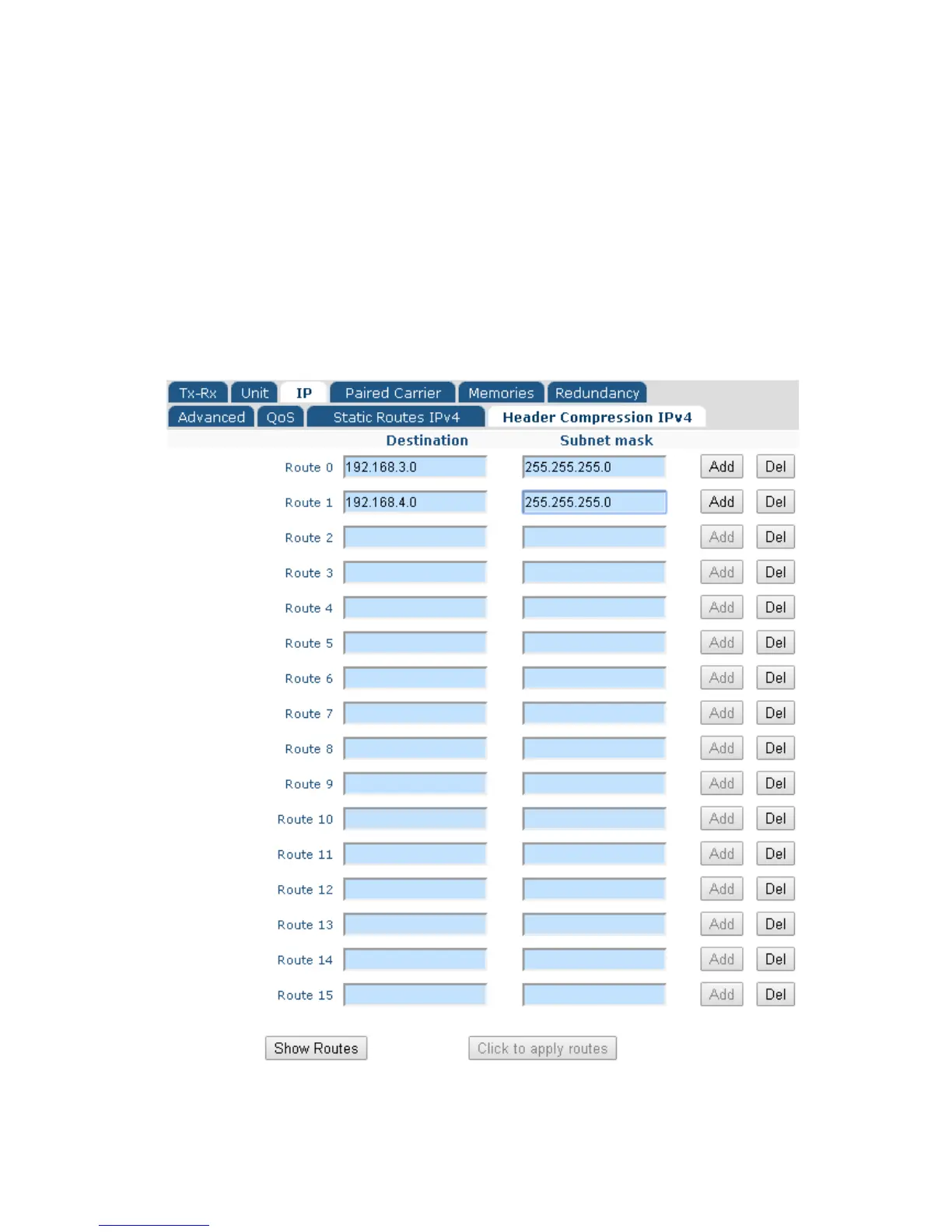
The Edit->IP->Header Compression Routes screen, shown in Figure 6-25, allows up to
16 static routes to be added. These determine which packets header compression is
applied to. Compression is both transparent and lossless.
Figure 6-25 Edit->IP->Header Compression Routes Screen



 To Next Page