ADR-7000 / SAVER-7000 / GUARD-7
© 2017 – Telefire Fire & Gas Detectors Ltd Revision 0.98 October 2017
– Page 55 of 87 –
8.9.2 Main Screen Message
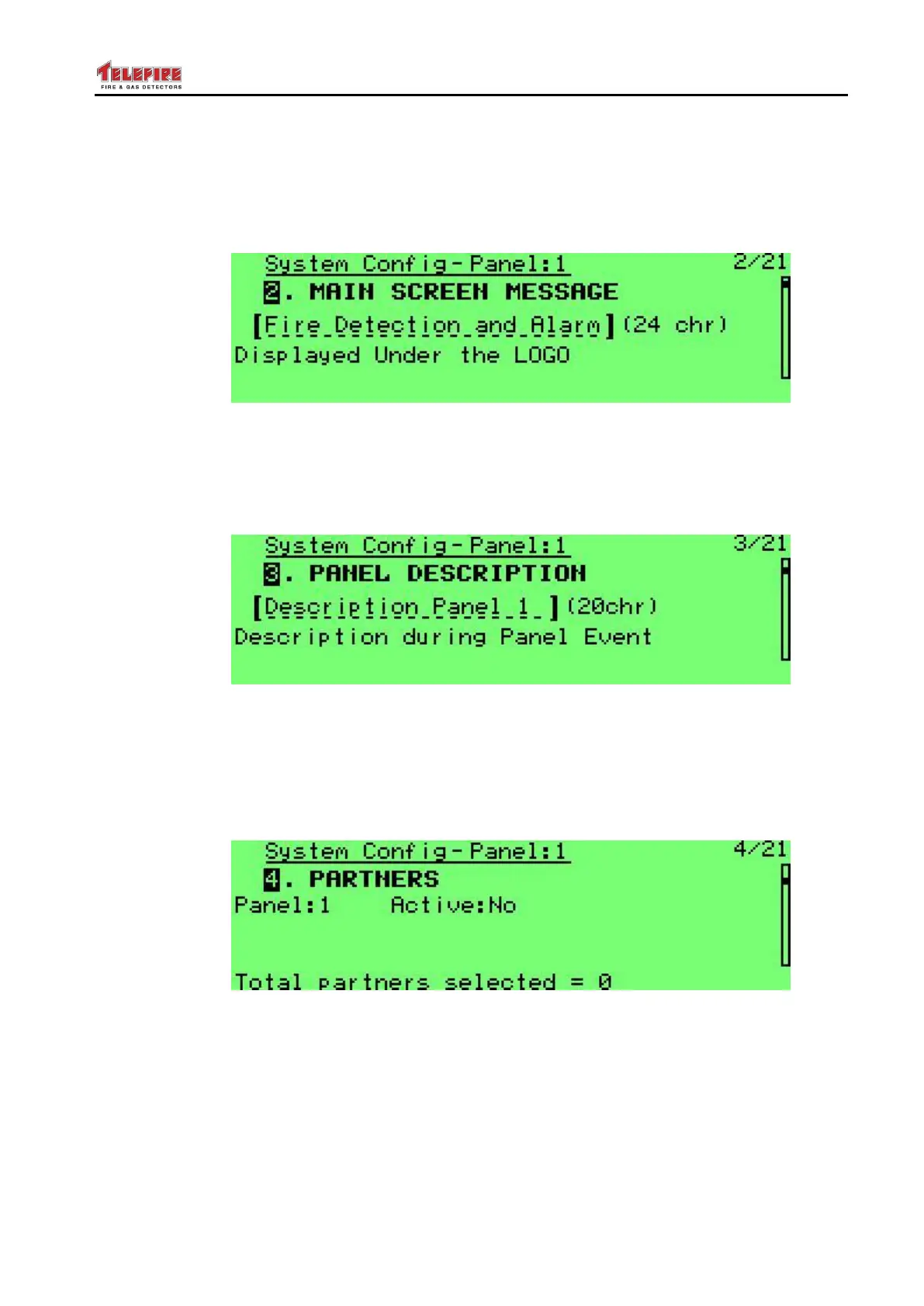
This option allows to change the message that is displayed under the Telefire logo. You
can key in up to 24 characters to indicate the service company name or phone number.
Use the arrow keys to select each character and Enter to key it in. Quit and save to
keep the new message.
Screen 47 System configuration – main screen message
8.9.3 Panel Description
Used to key a 20 character panel description, such as "Panel 3, manufacturing". This
will be displayed for system faults (such as batteries, ground fault, and AC fault) when
pressing the Info key.
Screen 48 System configuration – panel description
8.9.4 Partners
A networked control panel shall display alarms, faults, and other events that occur on its
partners. Configure the other panel as Active on the current panel to display events.
The following screen shows Panel 2 as an active partner to panel 1 (that is, panel 2
alarms will be displayed on panel 1 as well).
Screen 49 System configuration – partners
Once a panel is selected as partner, you can select which actions can be performed on
the partner panel.
In the example above all events from panel 2 shall be displayed on the current panel (1).
Perfuming Evacuation, Reset, and Silence in panel 1 shall be performed on panel 2 as
well.



 To Next Page