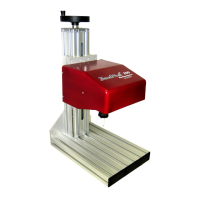
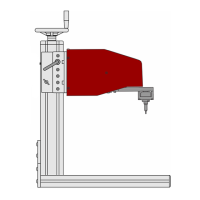
TMP4100-Series Installation/Maintenance
33480D01.DOC 1-17
1.5.3 Controller Installation
Refer to the Controller Installation/Maintenance Manual that was supplied with your marking system for the
following procedures.
1. Install the marking system controller.
2. Perform the electrical and data connections.
3. Perform the controller checkout.
4. Proceed with Installation Adjustments.
1.5.4 Auxiliary Axis Equipment
If the marker includes optional Z-axis (vertical axis) or Theta-axis (rotational axis) components, refer to the
Auxiliary Axis Installation Supplement that was supplied with the optional equipment for specific installation
instructions.
1.5.5 Installation Adjustments
After all marking equipment is installed, you will need to adjust the system to prepare it for use.
1. Turn the controller
ON.
2. Start the marking system software.
Refer to the marking system Operation Manual (supplied with your system) for details.
3. Adjust the following as required.
Refer to the Operation Supplement (supplied with your system) for details.
♦ TMP4100, TMP4150, TMP4155: Adjust the drive air pressure
♦ TMP4150, TMP4155: Adjust the return air pressure
♦ TMP4150, TMP4155: Adjust the pin stroke
♦ Adjust the marking depth


 To Next Page