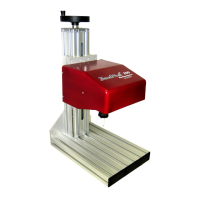
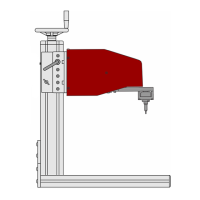
TMP4100-Series Installation/Maintenance
33480D01.DOC 2-3
2.4.2 Impact Pin / Pin Cartridge
Perform the following steps to clean the pin cartridge and impact pin.
1. Remove the impact pin / pin cartridge from the marking head. (see replacement procedure)
2. Clean the cartridge using isopropyl alcohol or dish washing detergent and water.
The pins may be cleaned with solvent as long as they are wiped off completely and allowed to dry before
being placed back into the cartridge.
Do not use any petroleum-based solvent, paint thinners, or acetone.
Do not use any oil for lubrication.
3. Install the impact pin / pin cartridge onto the marking head. (see replacement procedure)
2.4.3 Marking Head Rail
Perform the following steps to clean the carriage rail in the marking head.
1. Remove electrical power from the marking system.
2.
TMP4100, TMP4150, TMP4155: Remove air pressure from the marking system.
3. Remove the marking head cover.
TMP4150, TMP4155:
a. Lift up on the tabs of the latches located on the sides of the marker.
b. Rotate the tabs counter-clockwise to loosen and disengage the latches.
c. Slide the protective boot over the end of the cartridge.
d. Slide the cover off the marker.
TMP4100, TMP4100E:
a. Using a 2.5mm hex key, remove four screws securing right cover to left cover.
b. Remove the two screws from the end of the standoff (nearest the foot pad).
c. Separate covers and place right cover aside.
4. Moisten a clean, lint-free, soft cloth with isopropyl alcohol.
5. Carefully wipe any dirt or debris from the rail.
6. Apply a light coat of oil (e.g.,
3-IN-1
®
oil) to the rail.
7. Install the marking head cover:
TMP4100, TMP4100E:
a. Align right cover with left cover and secure with four screws.
b. Install two screws in end of the standoff (nearest the foot pad).
TMP4150, TMP4155:
a. Slide the cover over the marker.
b. Engage the latches and rotate the tabs clockwise to tighten.
c. Push down on the tabs (so they lay flat against the sides of the marker.
d. Slide the protective boot up, onto the cartridge.


 To Next Page