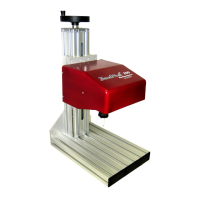
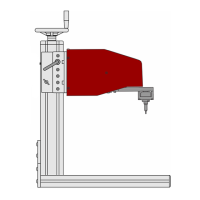
TMP4100-Series Installation/Maintenance
2-16 33480D01.DOC
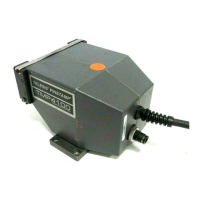
2.8.3 TMP4100 Solenoid Valve
Perform the following procedure to replace the TMP4100 solenoid valve.
Removal
1. Remove electrical power from the marking system.
2. Remove air pressure from the marking system.
3. Remove the standoffs. (see replacement procedure)
4. Using a 2.5mm hex key, remove four M3-0.50 x 25 screws securing right cover to left cover.
Separate covers and place right cover aside.
5. Using a 2mm hex key, loosen set screw in handle holding the push button switch.
6. Remove switch connector J2 from the limit board.
7. Remove the switch assembly from the handle.
8. Using a 2.5mm hex key, loosen set screw securing the handle to the handle mount. Gently, pry and pull
handle from the mount.
9. Using a 3mm hex key, remove two M4-0.70 x 16 socket head cap screws that secure the handle mount to
the manifold base.
10. Remove the tubing from the bulkhead connector.
11. Remove cable connector J1 from the limit board and disconnect the ground lug.
12. Using a 2.5mm hex key, remove three flat head screws from the bottom of the left cover.
13. Remove the marking unit from the left cover and place left cover aside.
14. Remove the two solenoid wires lugs from J6 and J7 on the limit board
15. Using a 1.5mm hex key, remove two socket head cap screws from the solenoid valve and remove the
solenoid valve from the marking unit.


 To Next Page