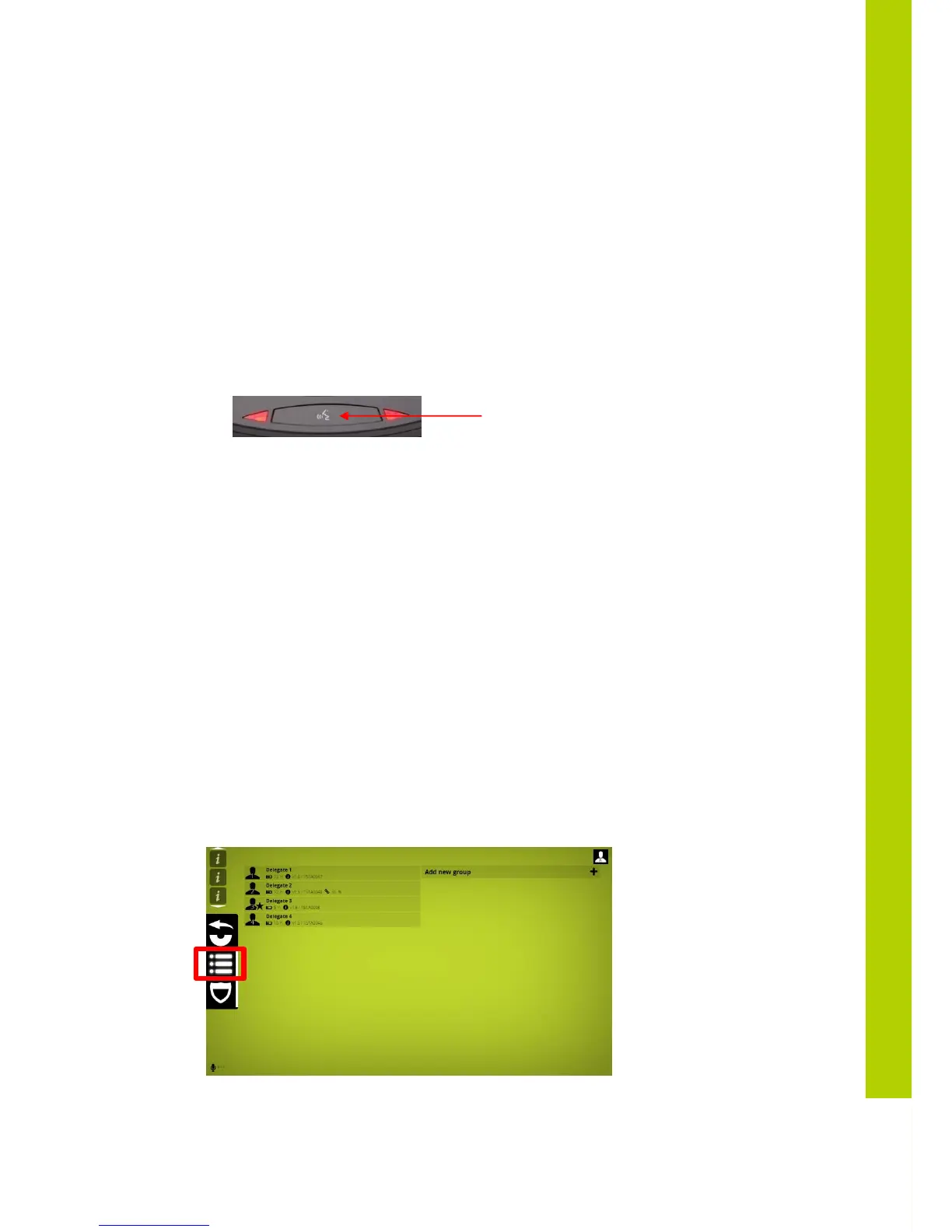
3) When the units have discovered the WCAP. This is indicated by both mic leds blinking
red slowly
4) Select the “Clear Init”, to clear any previously created initialization list.
5) Start the new initialization by selecting the “Open Init” button.
After you started the new initialization, the red Microphone Status LED’s on all wireless
units will start to blink red .
Mic leds blinking red at a rate of 2Hz is an indication that the units are trying to connect
to the Wcap
Mic leds blinking red at a rate of 1Hz is an indication that the units are waiting for the
initialization
6) To add a unit to the initialization list, press the microphone button of the unit to add.
7) The LEDs will turn green indicating that the unit has been added to the initialization list.
8) Repeat step 5 for each unit that needs to be added.
9) When finished, stop and save the initialization by pressing the “Close init” button,
Only the units that have been initialized will now be able to join the conference.
The init list is stored in the
WCAP
and stays in memory even after switching the
WCAP
off.
Next time the
WCAP
and delegate units are switched on, only these units will be allowed to
connect to the WCAP.
5.5 Unit Manager
The unit manager allows to:
- Define delegate names
- Define groups
As you can see there are two main parts, the left column is the list of delegates; the right
column is the list of groups. Each delegate shows an array of information, from left to right:



 To Next Page