The file for the delegate units update has following name format “WDU.x.yz.tar“ or “WDU.x.yz.tuf” (both
are ok)
The file for the WCAP update has following name format “AP.x.yz.tar“ or “AP.x.yz.tuf“ (both are ok)
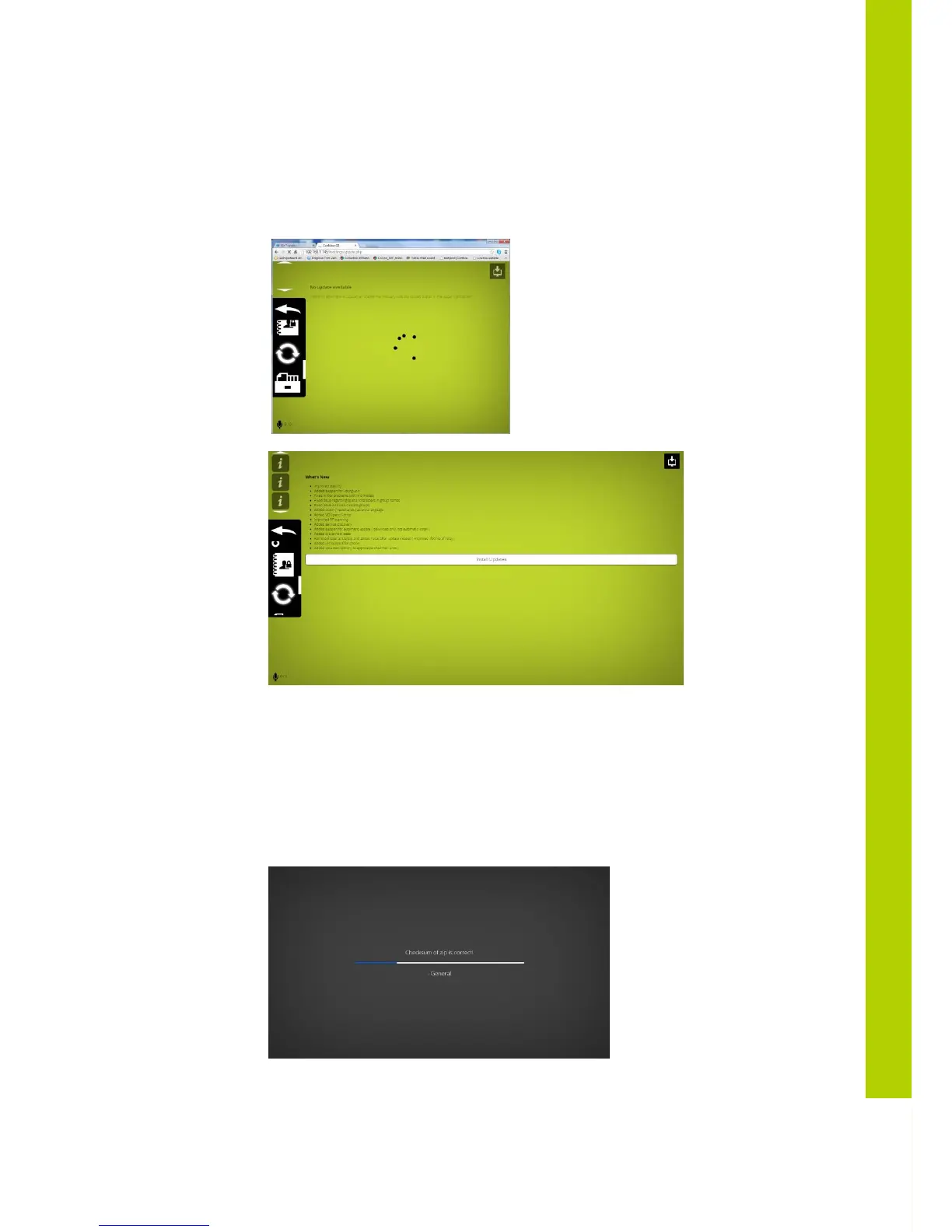
Following screen appears and after a few seconds the system is ready to start the installation of
the updates and info is shown regarding the latest changes
To start the update, press “install updates”. (Note that when you received the update over
the internet, the file will be downloaded first, so do not disconnect). One the update has started;
you’ll get an overlay protecting you from making any changes to the system.
5.14.1 WCAP update
Once the WCAP update is started following screens will appear



 To Next Page