6 Frequency selection
6.1 Check already used frequencies by other Confidea G3
systems
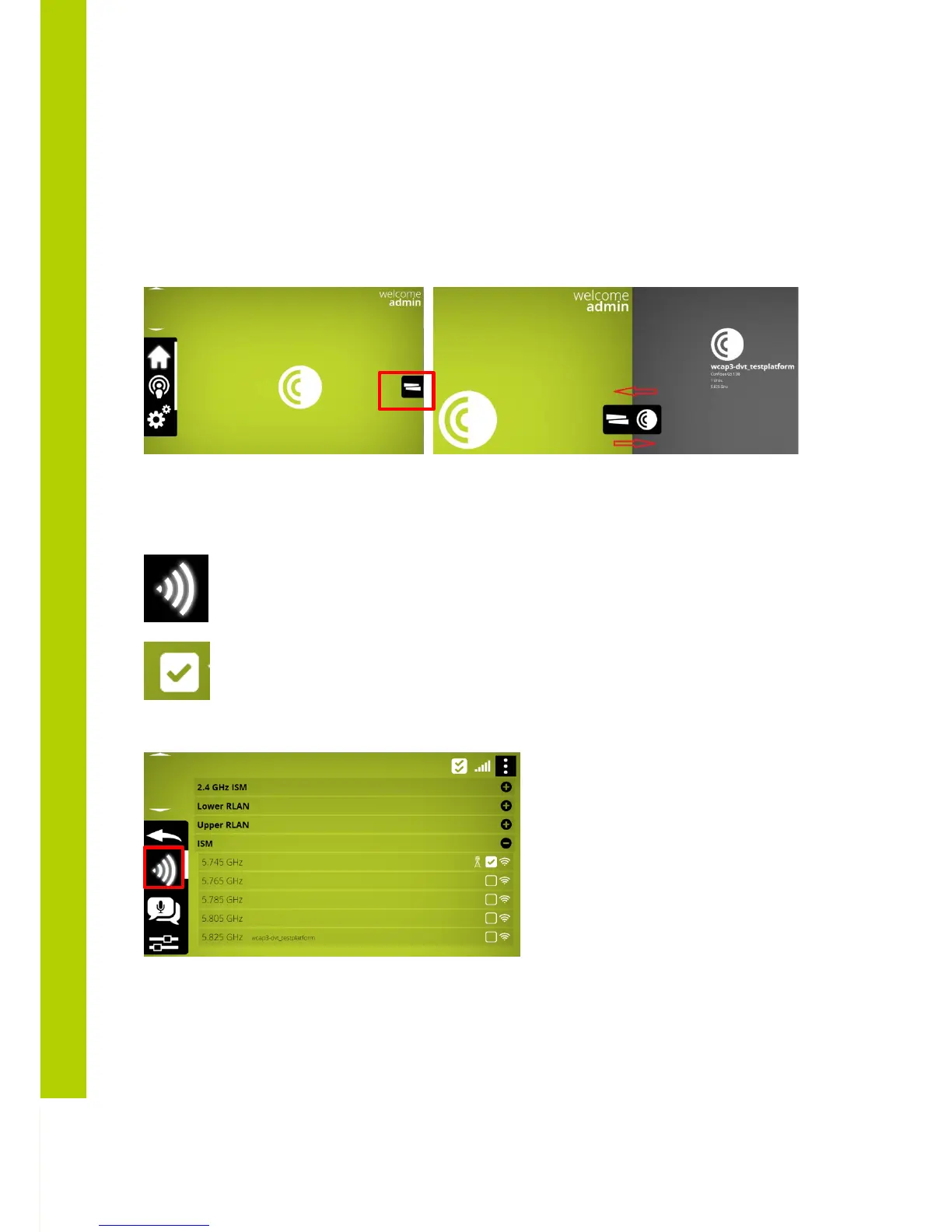
By clicking and dragging the indicated button , from right to left and back , any other Confidea G3 system which
are connected to the same LAN network will be shown by theuir hostname and currently active frequency.
6.2 Selecting own frequencies
=> enter frequency selection screen
=> add this frequency as frequency that may be used
Frequency selection can be done by means of adding the mark in the checkbox in the below screen
If more then one frequency is marked , the WCAP select automatically a frequency amongst those marked



 To Next Page