5.13 Check firmware versions of WCAP
5.14 Update
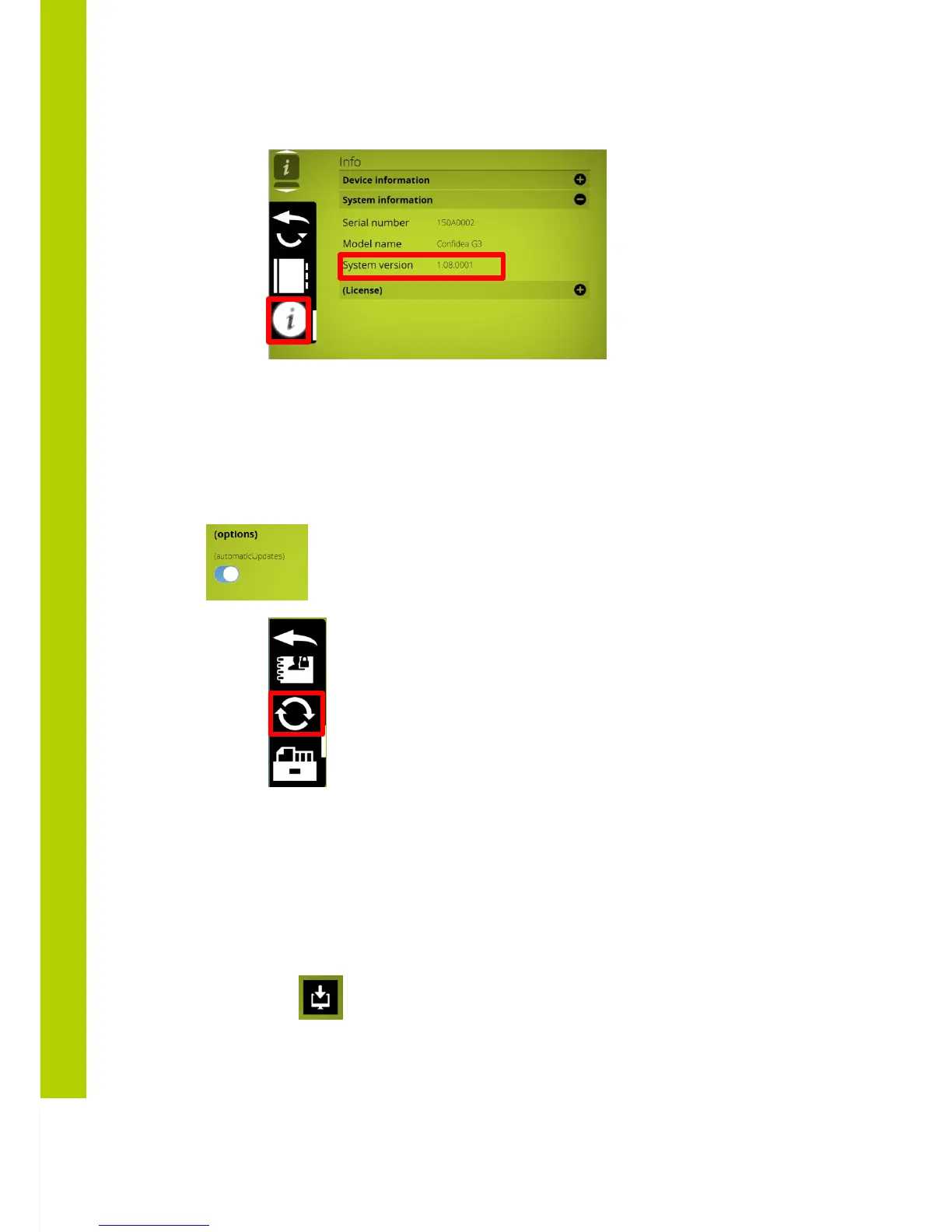
The update page can be found by going to the settings submenu and clicking on the update
button (displayed as two arrows in a circular formation).
There is the choice to choose to check automatically for available updates via
www.updates.televic-conference.com or to do a manual file selection
When you get to the update page you can have one of these two situations:
- No update available: either you have the latest software and an update is not necessary
or no update file has been uploaded.
- There is an update available: this could either be because you’re connected to the internet
and there’s new version available or that you have manually uploaded a file.
Note that through the internet update system you’ll only receive the latest updates. Older
updates will still need to be installed manually. To upload a file, click on the upload button in the
right upper corner
After you’ve selected a file, this will be uploaded automatically, however not installed automatically
The file is a compressed folder which will be automatically extracted by the system



 To Next Page