12
Route
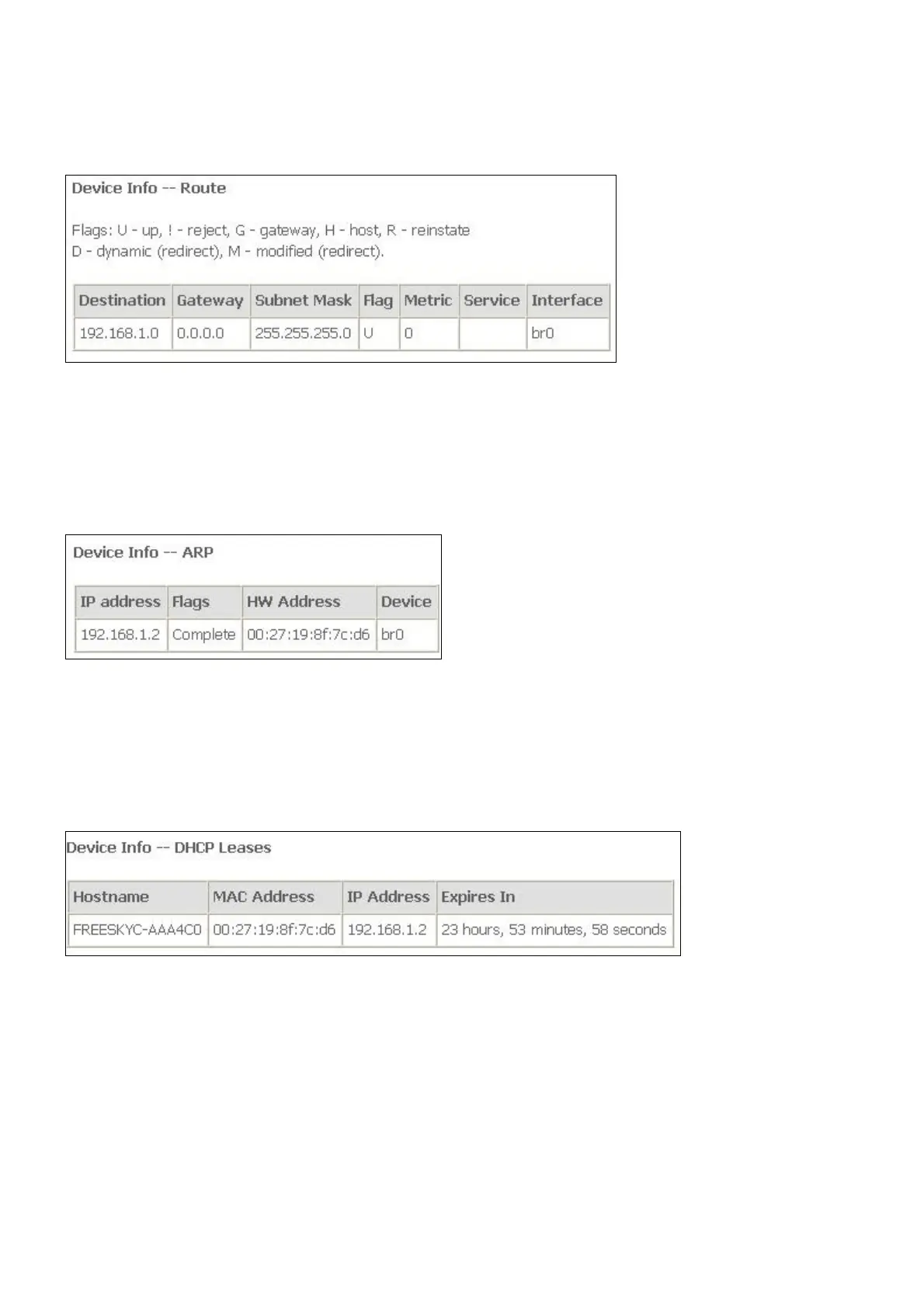
To access the Device Info – Route window, click the Route button in the Device Info
directory.
This read-only window displays routing info.
ARP
To access the Device Info – ARP window, click the ARP button in the Device Info directory.
This read-only window displays Address Resolution Protocol info.
DHCP
To access the Device Info – DHCP Leases window, click the DHCP button in the Device Info
directory.
This read-only window displays DHCP lease info.
Quick Setup
The Quick Setup will help you to configure the device eazily. If you want Automatic
Configuration, click the checkbox of Automatic Configuration. When you are finished, click
the Apply/Save button to save.



 To Next Page