29
Parental Control
Use this window to deny access to specified MAC address.
Time Restriction
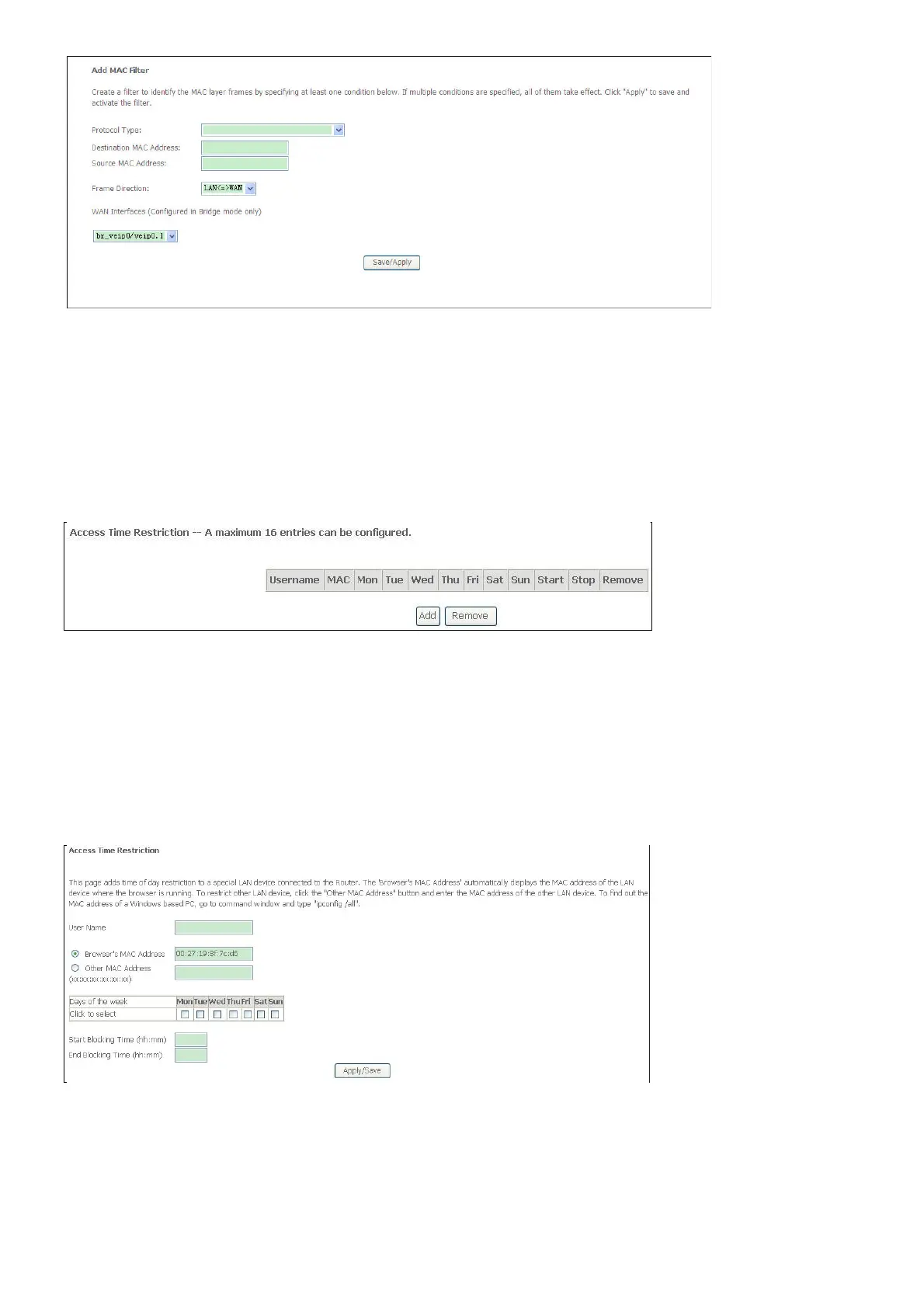
If you are setting up the MAC address blocking, click the Add button.
MAC address is a specially formatted text string (xx:xx:xx:xx:xx:xx) that uniquely identification
of a device. This section will allow users to block devices with certain MAC addresses on the
LAN.
To configure for MAC address blocking, enter the username into the Username field, click
Browser’s MAC Address to have MAC address of the LAN device, or click Other MAC
Address and enter a MAC address manually. Tick the checkboxes for the desired individual
days of the week and enter desired Start Blocking Time and End Blocking Time.
Click the Save/Apply button to save the configuration



 To Next Page