55
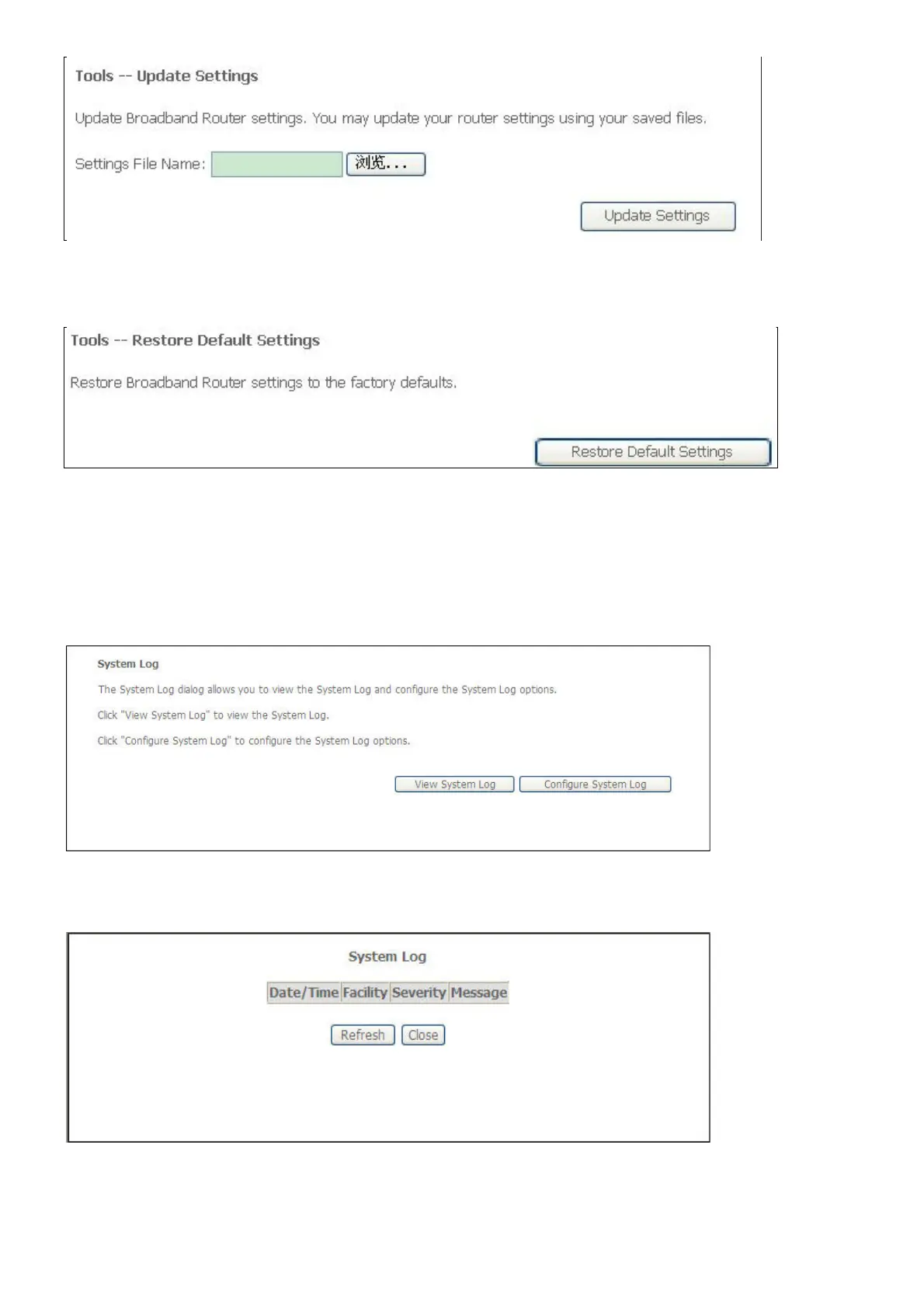
This window allows Restore DSL router settings to the factory defaults.
Click the Restore DSL Settings button to restore DSL router settings to the factory defaults.
System Log
The System Log windows enable you view and configure the system log of this device.
Select System Log in the Management menu to open the System Log window
If you clicked View System Log in the System Log window, the System Log information
window opens;
If you clicked Configure System Log in the System Log window, the Configuration window



 To Next Page