51
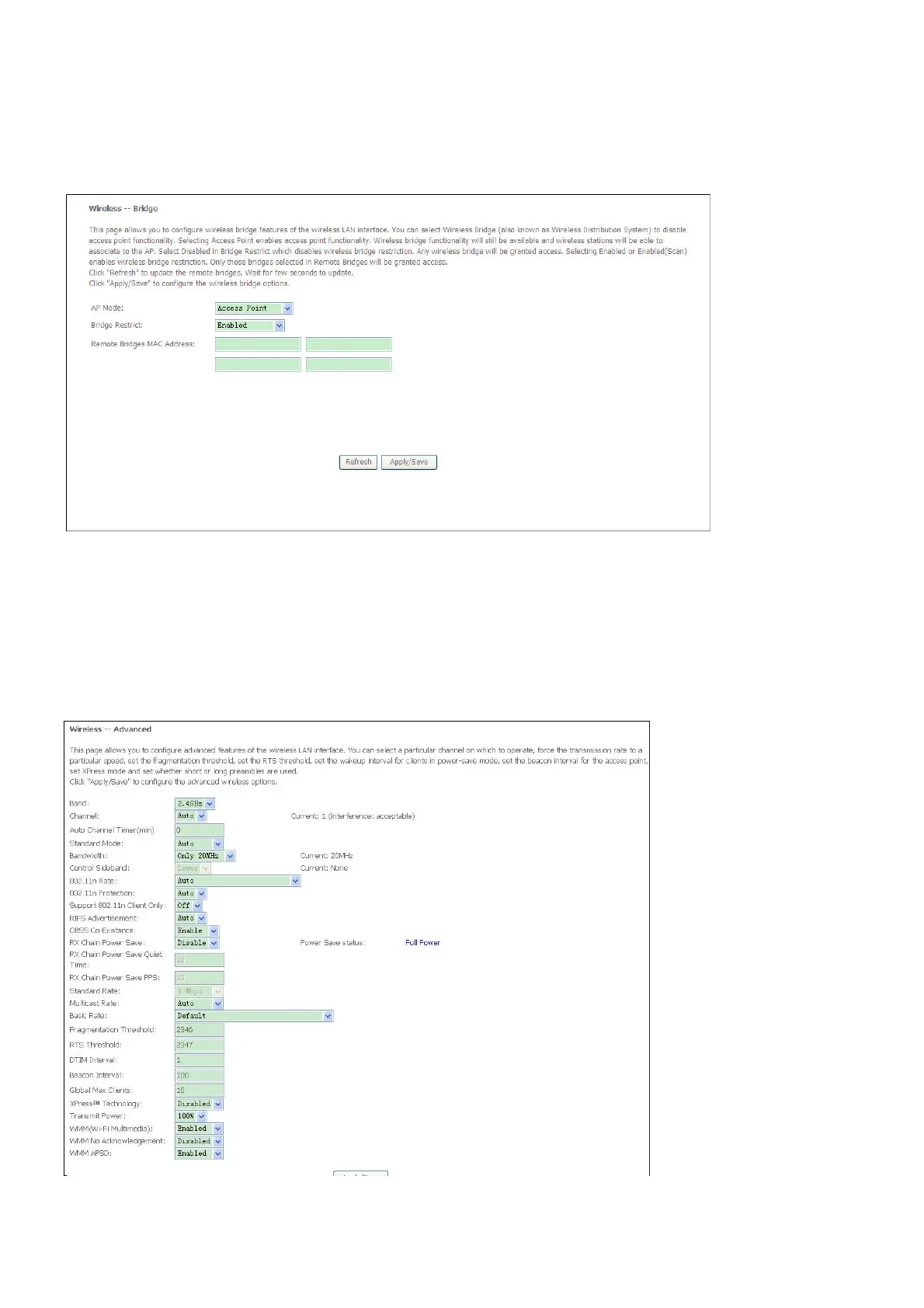
Wireless Bridge
The Wireless Bridge menu enables you to configure wireless bridge features of the wireless
LAN interface.
Select Wireless Bridge from the Wireless menu to open the wireless bridge submenu
Advanced
This page allows you to configure advanced wireless LAN interface. Configuring these settings
may increase the performance of your router but if you are not familiar with networking devices
and protocols, this section should be left at its default settings.
Click Apply / Save to save the settings.



 To Next Page