35
Routing
To access the Routing windows, click the Routing button in the Advanced Setup directory.
Default Gateway
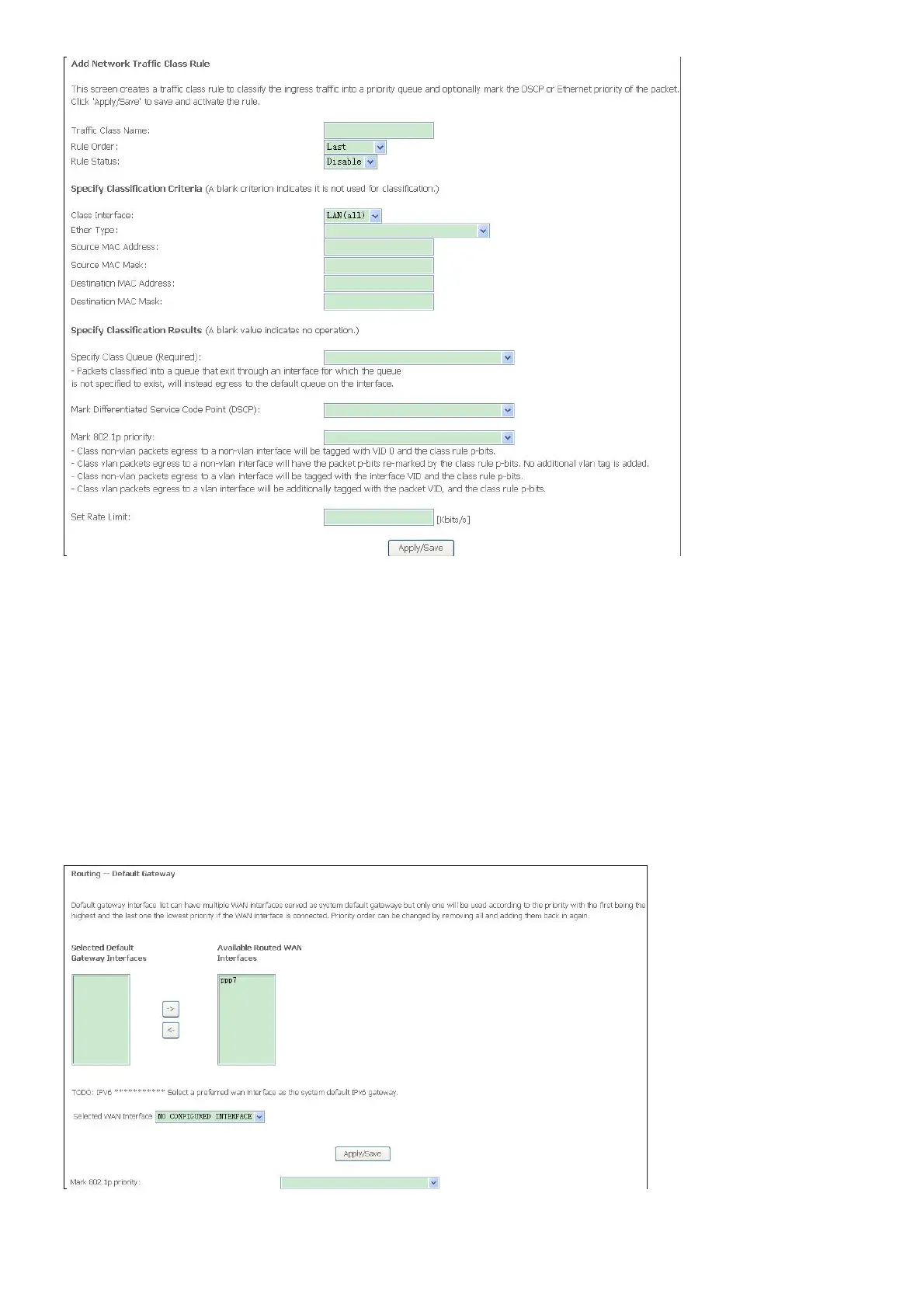
Default gateway interface list can have multiple WAN interfaces served as system default
gateways but only one will be used according to the priority with the first being the highest and
the last one the lowest priority if the WAN interface is connected. Priority order can be changed
by removing all and adding them back in again. Click the Apply / Save button when you are
finished.



 To Next Page