28
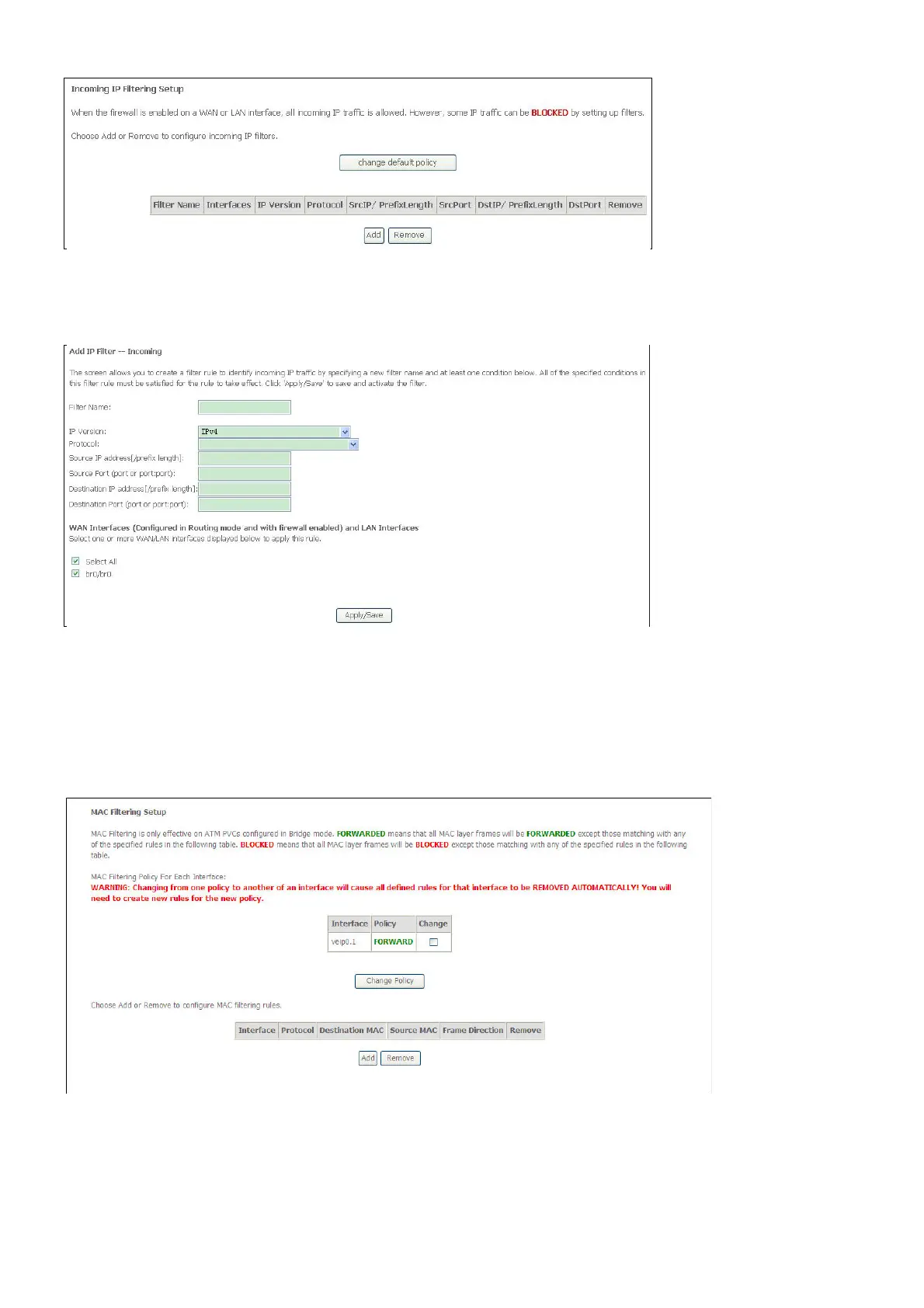
Enter the information in the section. Explanations of parameters are described below. Click the
Apply / Save button to add the entry in the Active Inbound IP Filtering table.
MAC filter
The MAC Filtering window enables you to control access to and from specific MAC addresses.
Select MAC Filtering from the Security submenu to open the MAC Filtering Setup window;
If you have selected to Add a MAC filter, the Add MAC Filter window opens



 To Next Page