6
Web-based Configuration Utility
Connect to the Router
The default IP address for xDSL MODEM is: 192.168.0.254; The Subnet Mask is:
255.255.255.0. Users can configure xDSL MODEM through an Internet browser. xDSL
MODEM can be used as gateway and DNS server; users need to set the computer’s TCP/IP
protocol as follow:
1. Set the computer IP address at same segment of xDSL MODEM, such as set the IP
address of the network card to one of the “192.168.0.100”~ “192.168.0.200”.
2. Set the computer’s gateway the same IP address as the xDSL Modem’s.
3. Set computer’s DNS server the same as xDSL Modem’s IP address or that of an effective
DNS server.
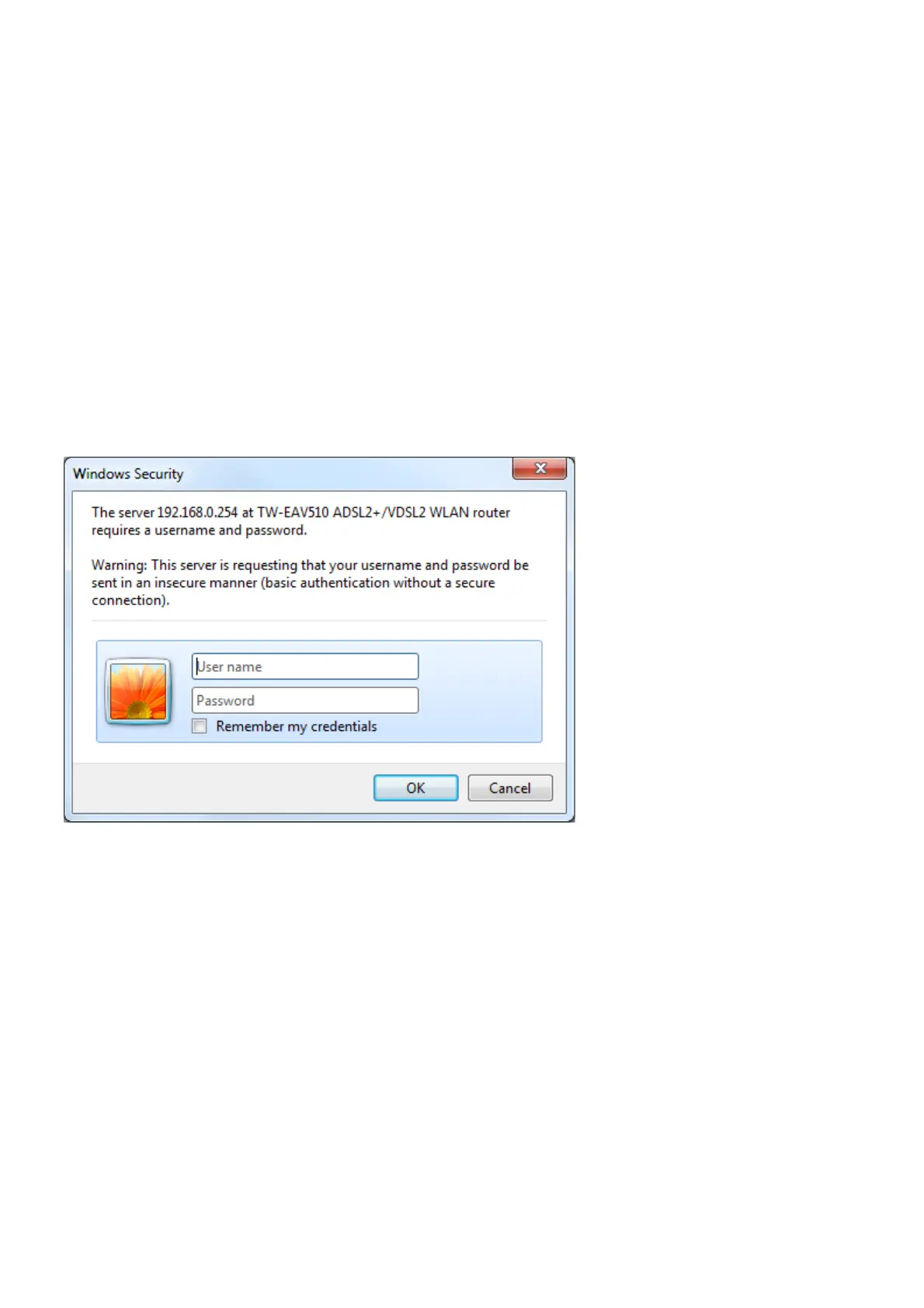
To access the configuration utility, open a web-browser such as Internet Explorer and enter the
IP address of the router (192.168.0.254).
Type “admin” for the User Name and “admin” in the Password field. If you get a Page Cannot
be Displayed error, please refer to the Troubleshooting section for assistance.



 To Next Page