54
Management
The Management directory features an array of options designed to help you get the most out
of your Router.
Settings
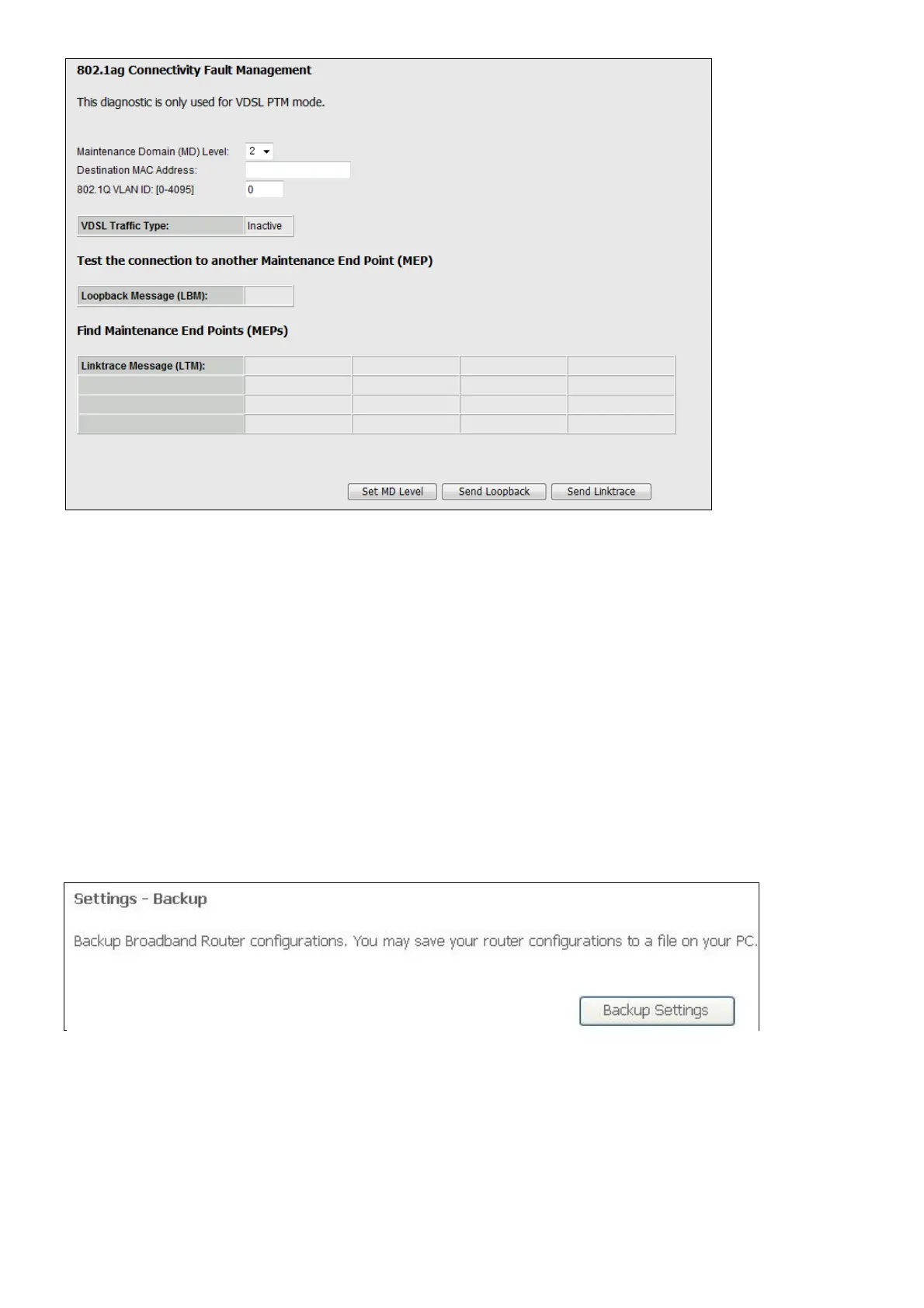
To access the Settings - Backup window, click the Settings button in the Management
directory.
This window allows you to backup your DSL Router configurations.
Click the Backup Settings button to save your Router configurations to a file on your
computer.
This window allows Update DSL router settings. You may update your router settings using
your saved files.
Click the Update button to update your Router configurations with a file on your computer.



 To Next Page