23
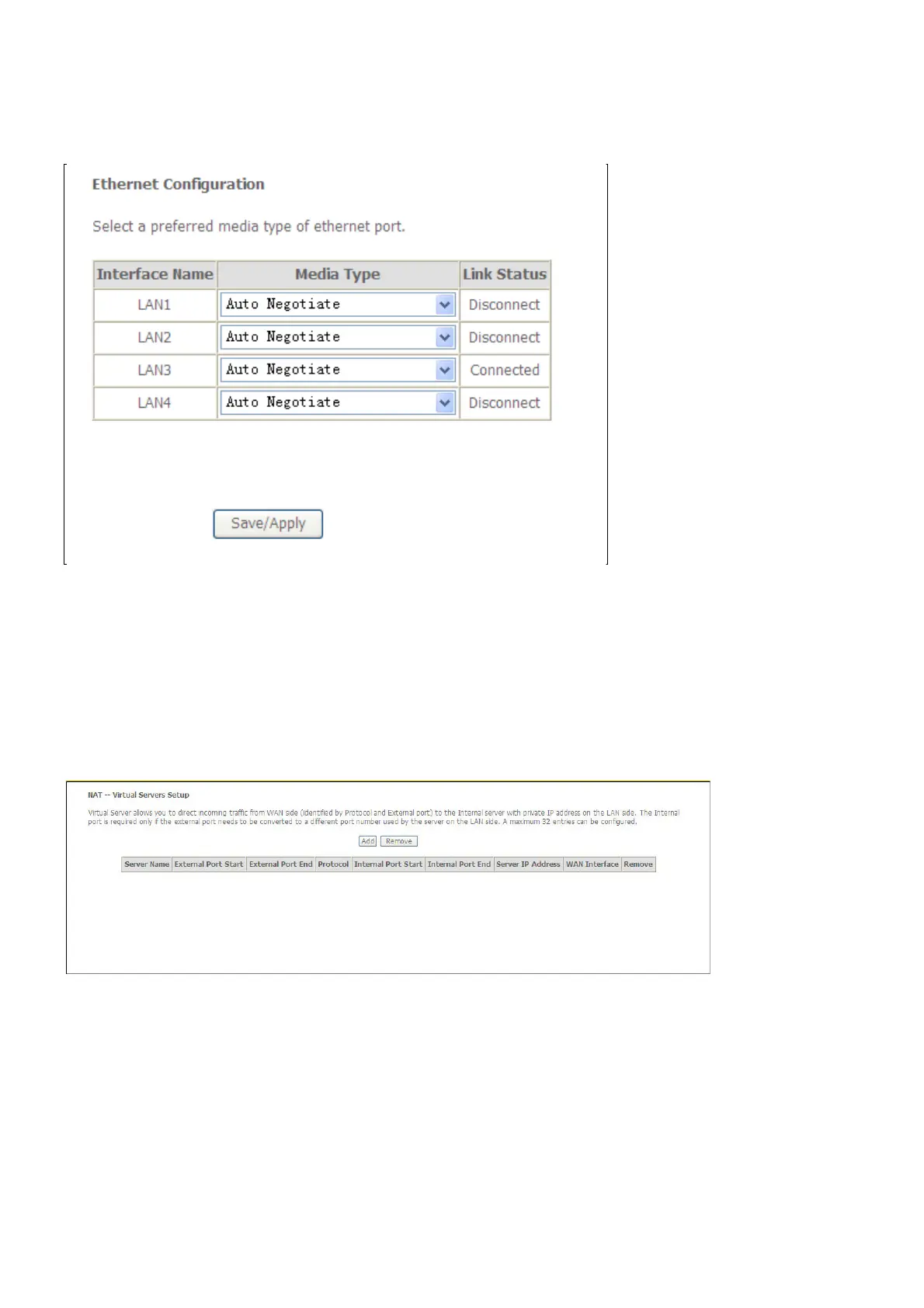
Ethernet Port
To access the Ethernet Port window, click the Ethernet Port button in the Advanced Setup
submenu. You can configure the Media Type of Ethernet port in the new page and it will show
you the Link Status of each Ethernet port. When you are finished, click the Save/Apply button
NAT
Virtual Servers
Select Virtual Servers from the Advanced Setup menu to open the NAT submenu.
If you have selected to Add a virtual server, the Add NAT – Virtual Servers window opens



 To Next Page