60
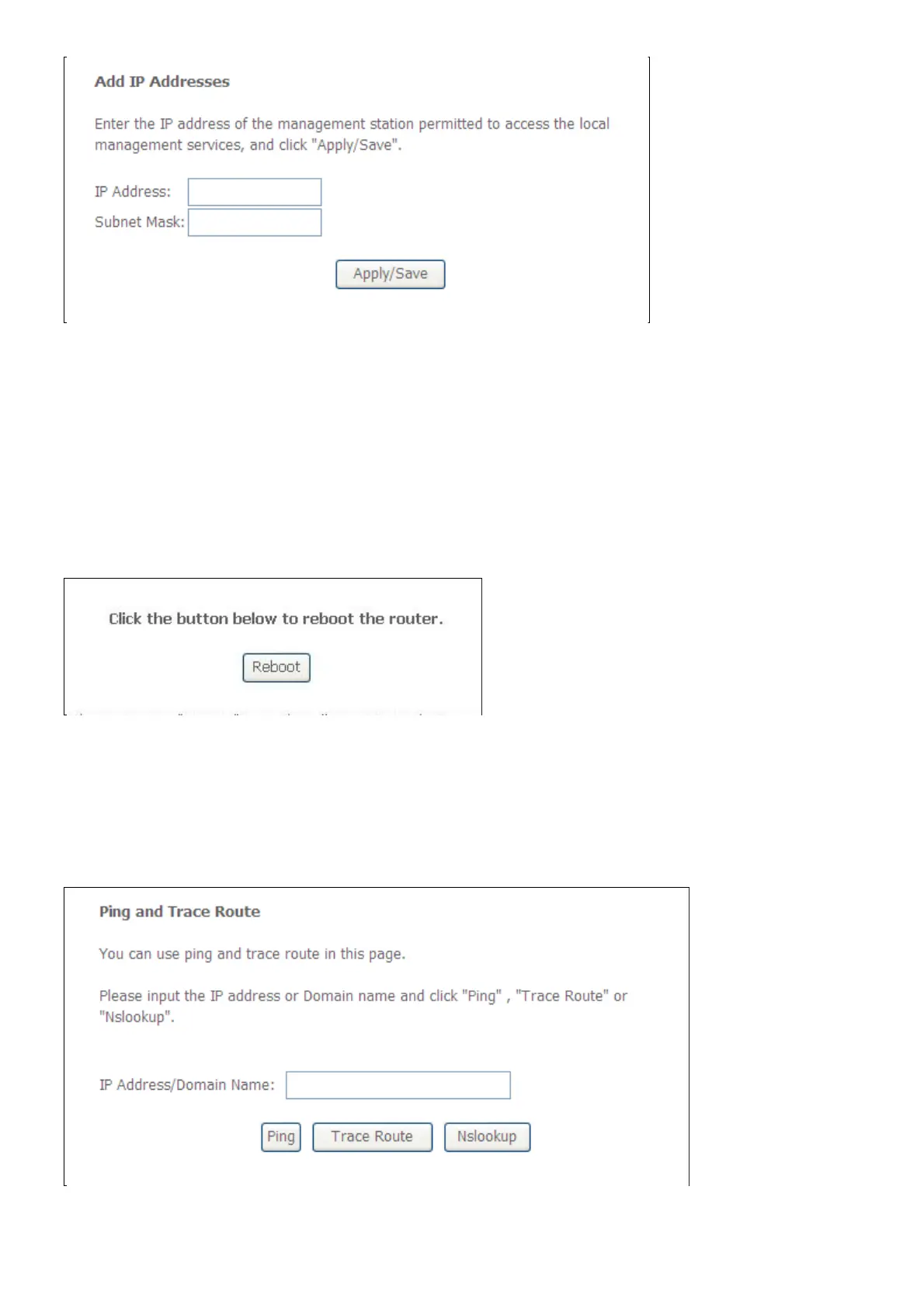
Input the IP Address and Subnet Mask which you want to configure, and then click Apply to
enable this IP Address.
Reboot
To access this window, click the Reboot button in the Management directory.
To save your settings and reboot the system, click the Reboot button.
Tools
This page will help you to diagnostic the status of your Network. You can use “Ping”, “Trace
Route” and “Nslookup” methods in this page. After you input the IP address or Domain name,
click "Ping”, "Trace Route" or "Nslookup" button.



 To Next Page