43
Interface Grouping
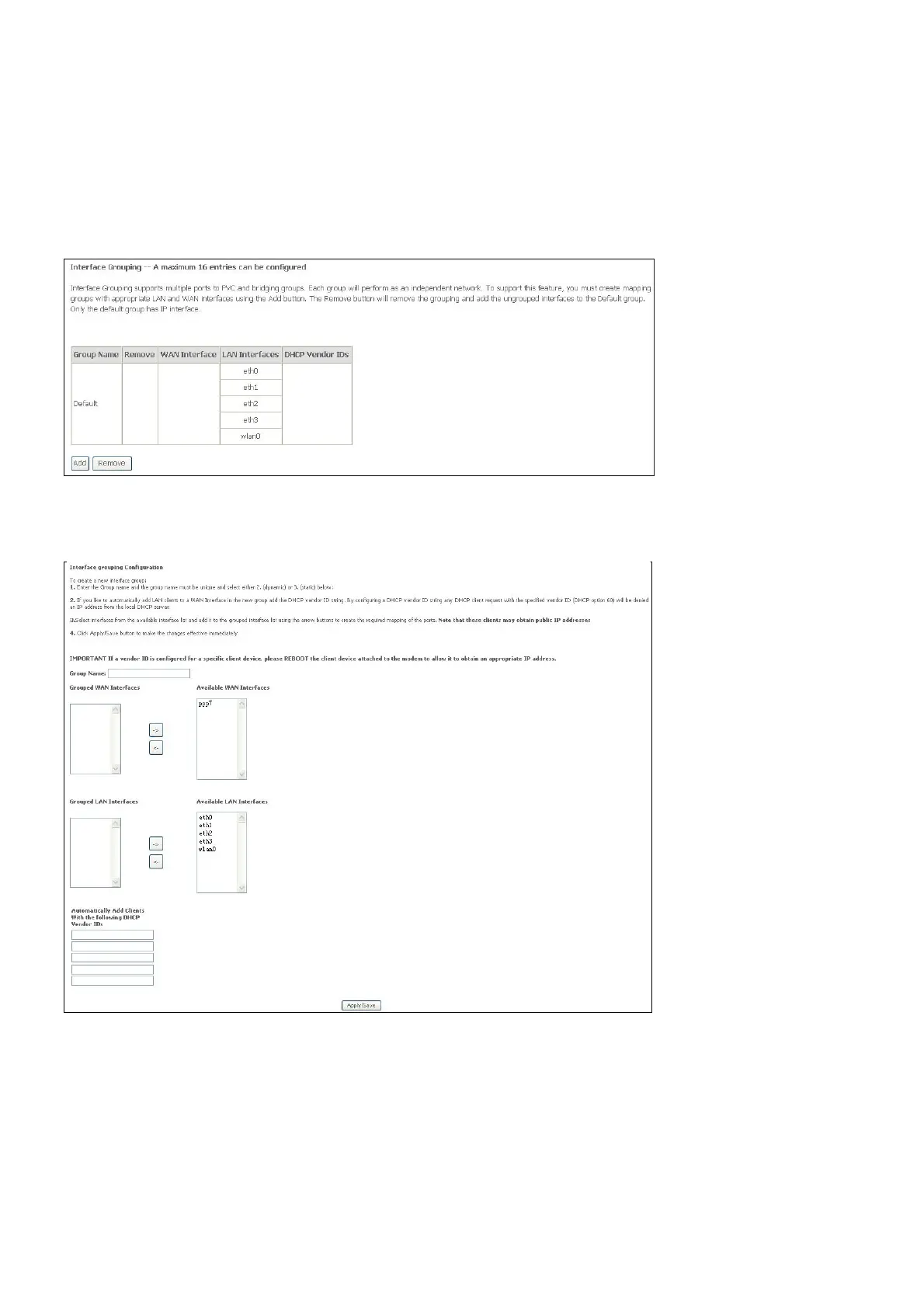
Interface Group supports multiple ports to PVC and bridging groups. Each group will perform
as an independent network.
To support this feature, you must create mapping groups with appropriate LAN and WAN
interfaces using the Add button. The Remove button will remove the grouping and add the
ungrouped interfaces to the Default group. Only the default group has IP interface.
Click Add to do advanced settings.
To create a new mapping group, enter Group Name, add interfaces to Grouped Interfaces.
Click Apply / Save to save the changes.



 To Next Page