36
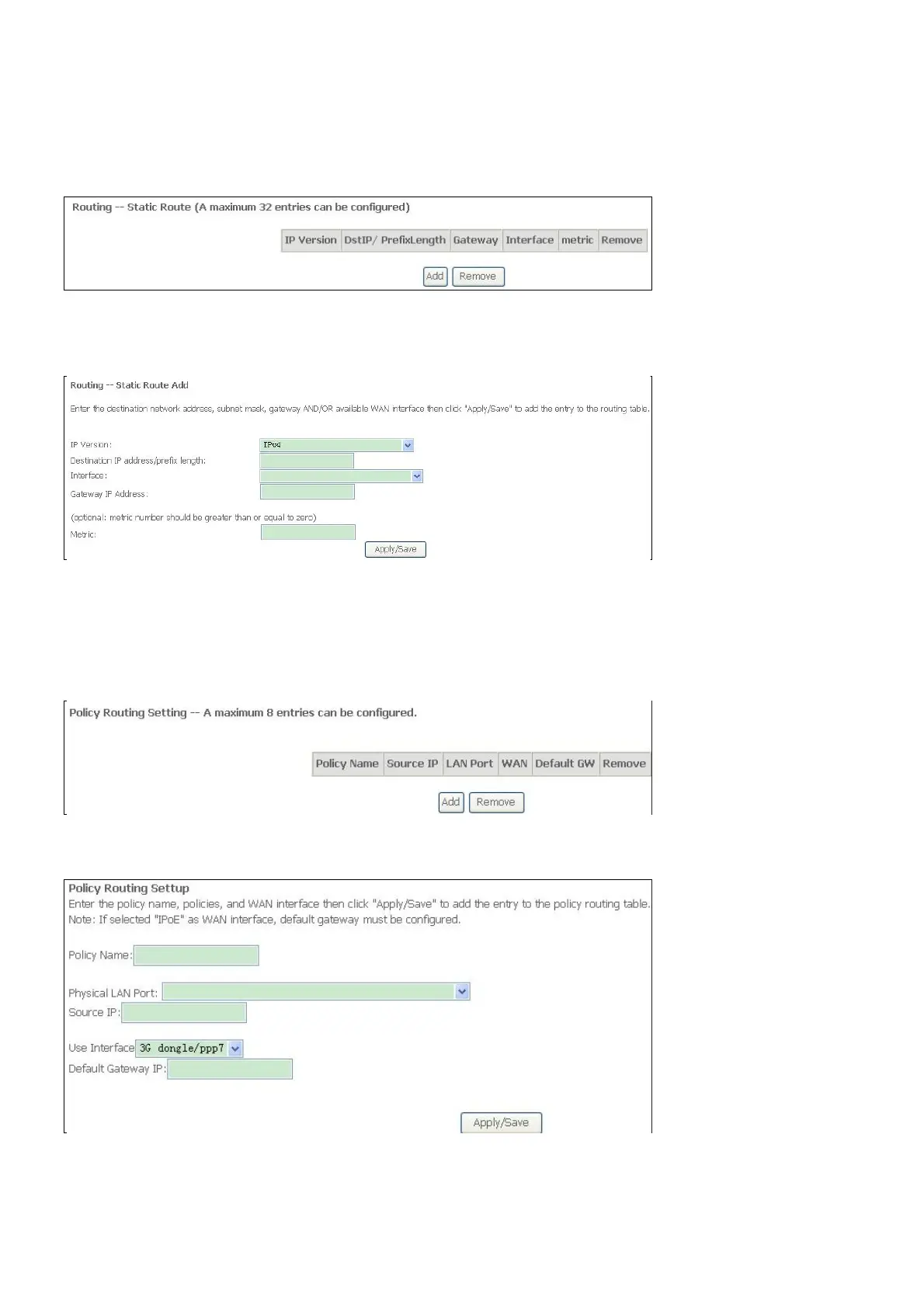
Static Route
Click the Add button on the Routing – Static Route window to access the following window
displayed on the next page.
Enter the static routing information for an entry to the routing table.
Click the Apply / Save button when you are finished.
Policy Routing
Click the Add button on the Policy Routing Setting window to access the following window
displayed on the next page.
Enter the Policy Routing information. Click the Apply / Save button when you are finished.



 To Next Page