26
Security
To access the Security window, click the Security button in the Advanced Setup directory.
The Security button appears after configuring WAN interface in PPPoA, PPPoE, IPoE or IPoA.
IP Filtering
The IP Filtering button appears when configuring WAN interface in PPPoA, PPPoE, IPoE or
IPoA.
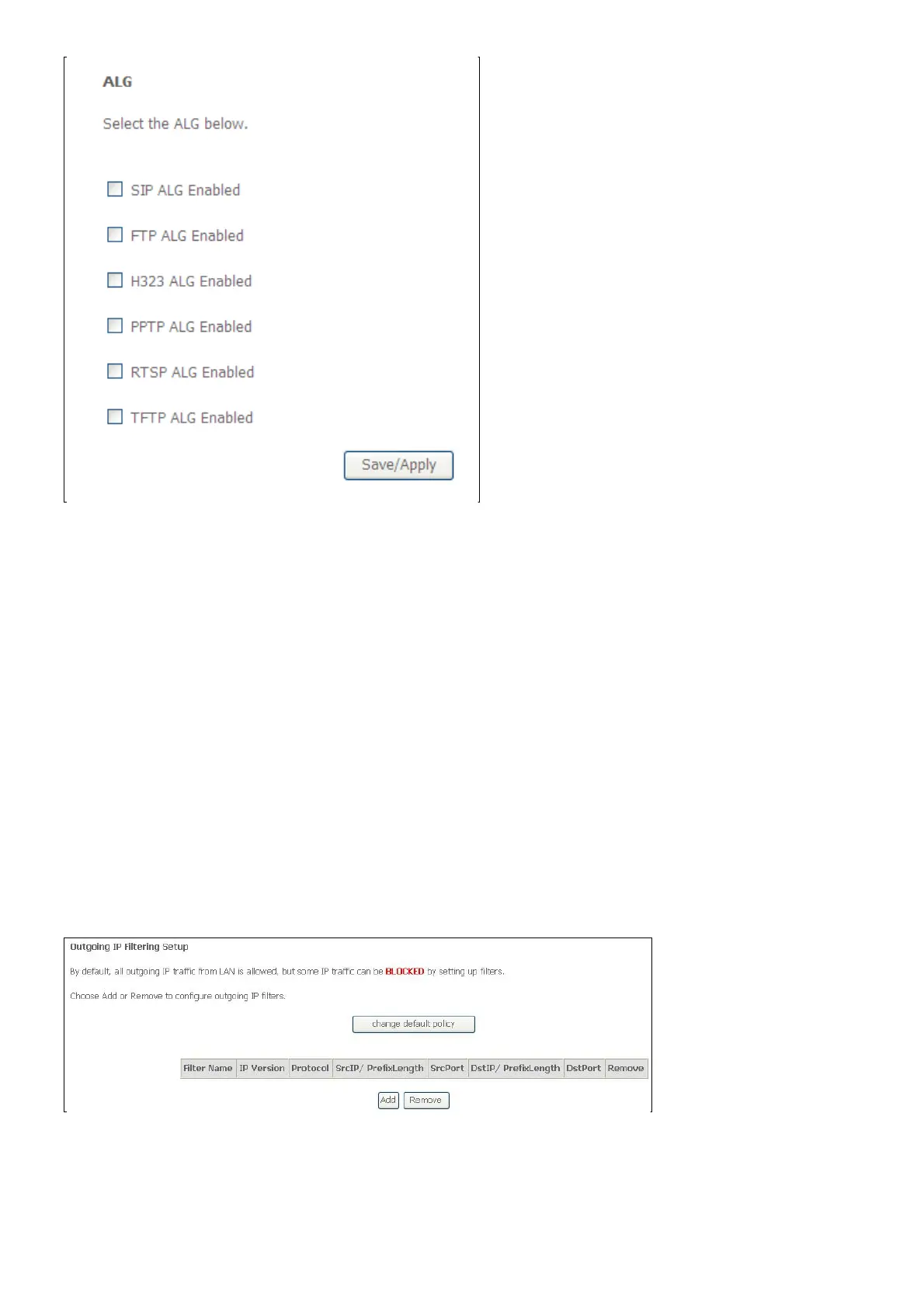
IP Filtering - Outgoing
This window allows you to create a filter rule of Outgoing.
Click change default policy to change the mode of policy.
Now default policy is BLOCK, it means all outgoing IP traffic from LAN is blocked, but some IP
traffic can be accepted by setting up filters.
If you are setting up the outgoing IP filtering, click the Add button.



 To Next Page