24
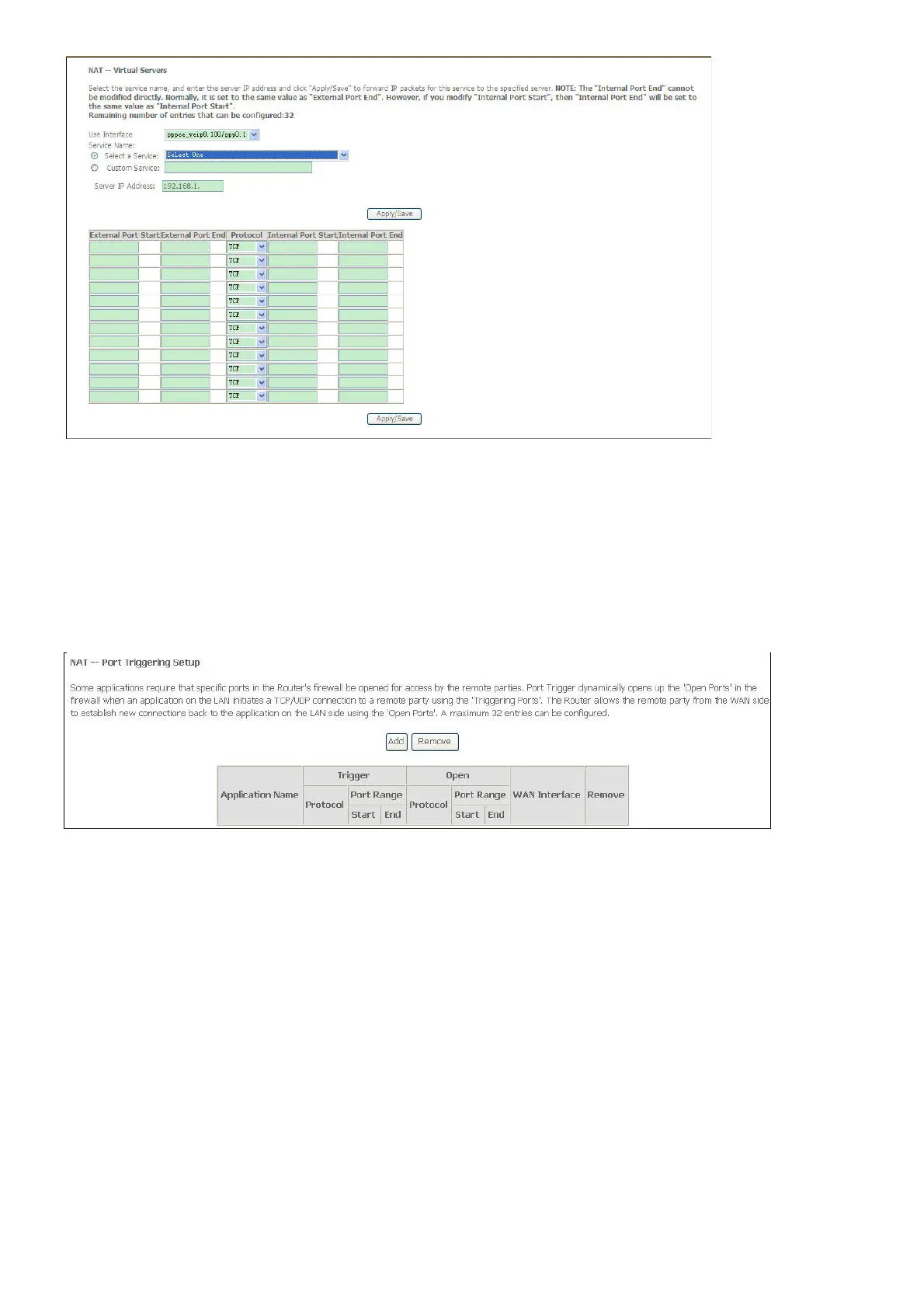
Port Triggering
Some applications such as games, video conferencing, remote access applications and others
require that specific ports in the Router's firewall be opened for access by the applications. You
can configure the port settings from this screen by selecting an existing application or creating
your own (Custom application).
Click the Add button to configure port triggering.
You can configure the port settings on this window by clicking the Select an application radio
button and then using the drop-down list to choose an existing application, or by clicking the
Custom application radio button and entering your own Application Rule in the field provided.
Click Save/Apply when you are finished with the port setting configuration. The new
Application Rule will appear in the Port Triggering table.



 To Next Page