41
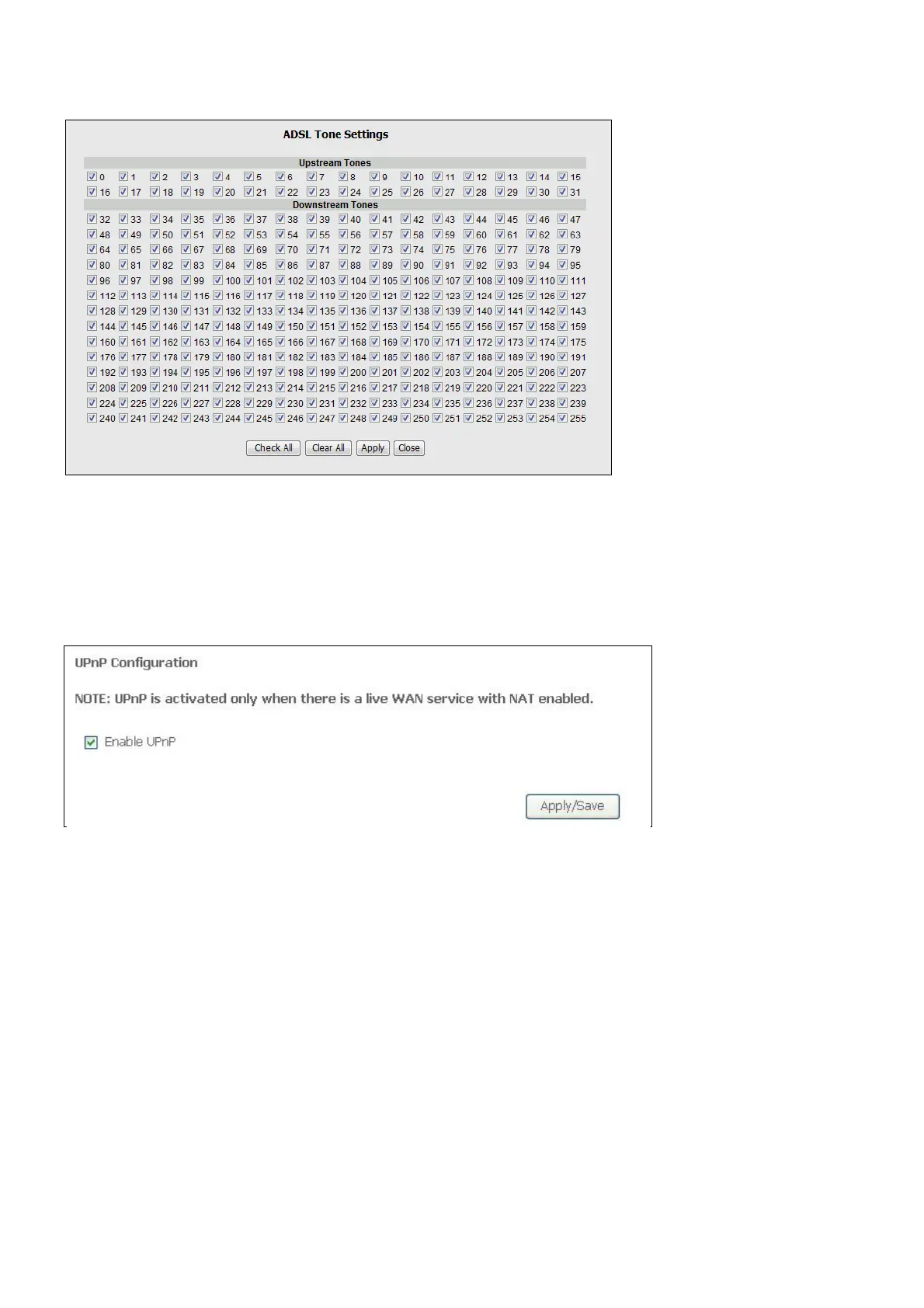
If you clicked the Tone Selection button, the ADSL Tone Settings window opens
Note: The ADSL tone settings should only be configured with the assistance of your ISP.
UPNP
To access the UPnP Configuration window, click the UPnP button in the Advanced Setup
directory.
This window allows you to Config UPnP Proxy. Click the Apply / Save button when you are
finished.
DNS Proxy
To access the DNS Proxy Configuration window, click the DNS Proxy button in the
Advanced Setup directory.
This window allows you to Config DNS Proxy. Click the Apply / Save button when you are
finished.



 To Next Page