44
IP Tunnel
Select IP Tunnel from the Advanced Setup menu to open the IP Tunnel submenu.
IPv6inIPv4
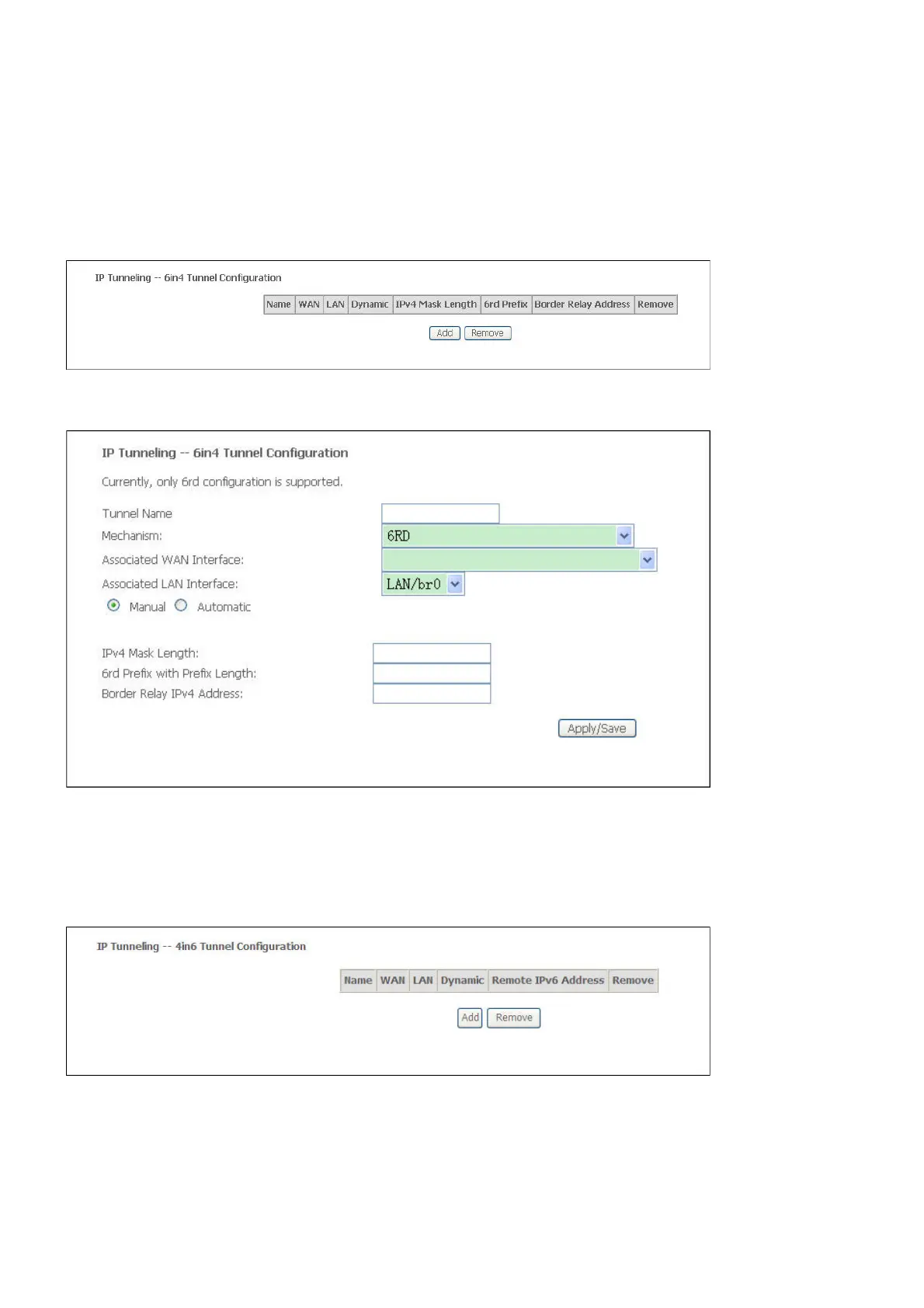
Select IPv6inIPv4 from the IP Tunnel submenu to open the IP Tunneling-6in4 Tunnel
Configuration window
If you click Add, the detail of the IP Tunneling-6in4 Tunnel Configuration window will open
IPv4inIPv6
Select IPv4inIPv6 from the IP Tunnel submenu to open the IP Tunneling-4in6 Tunnel
Configuration window;
If you click Add, the detail of the IP Tunneling-4in6 Tunnel Configuration window will open



 To Next Page