31
3G
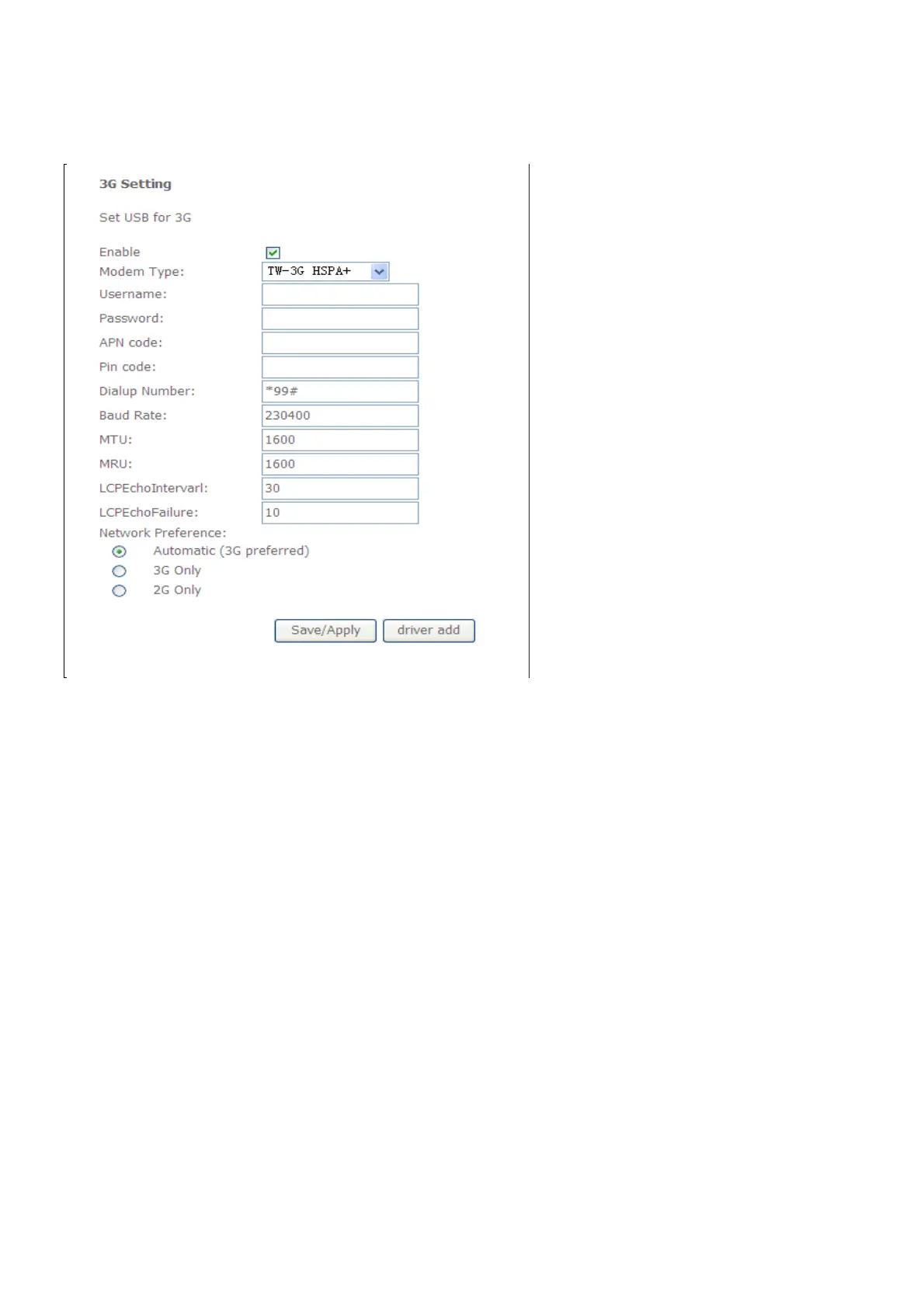
To access the 3G window, click the 3G button in the Advanced Setup directory.
This window allows you to set up 3G on the Router. When you are finished, click on the
Save/Apply button.
If you want to add new 3G dongle, click driver add button, and the new page will show
you how to configure a new 3G dongle. After you are finished, click on the add button.



 To Next Page