Quick setup to access the internet
12
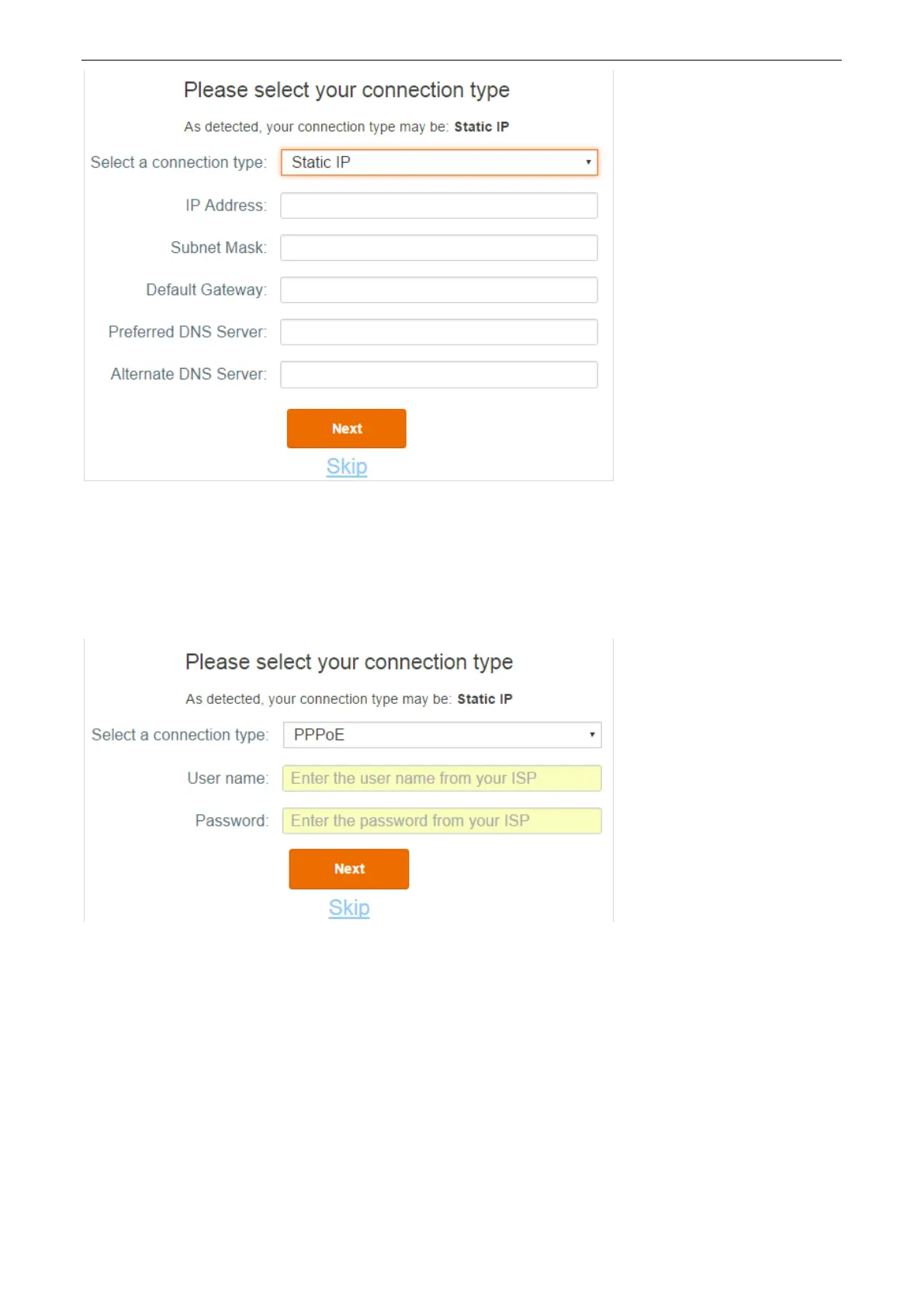
PPPoE
If the detection result is Static IP or if you select PPPoE manually, please do as follows:
1) Type the user name and password provided by the ISP.
2) Click Next to configure wireless settings.
3. Configure the wireless settings.
1) Customize your WiFi name. (1~29 characters are allowed)
2) Customize your WiFi password. (8~32 characters are allowed)
3) Customize your login password. (5~32 characters are allowed)
4) Click Next.


 To Next Page
 Loading...