Quick setup to access the internet
16
Tips
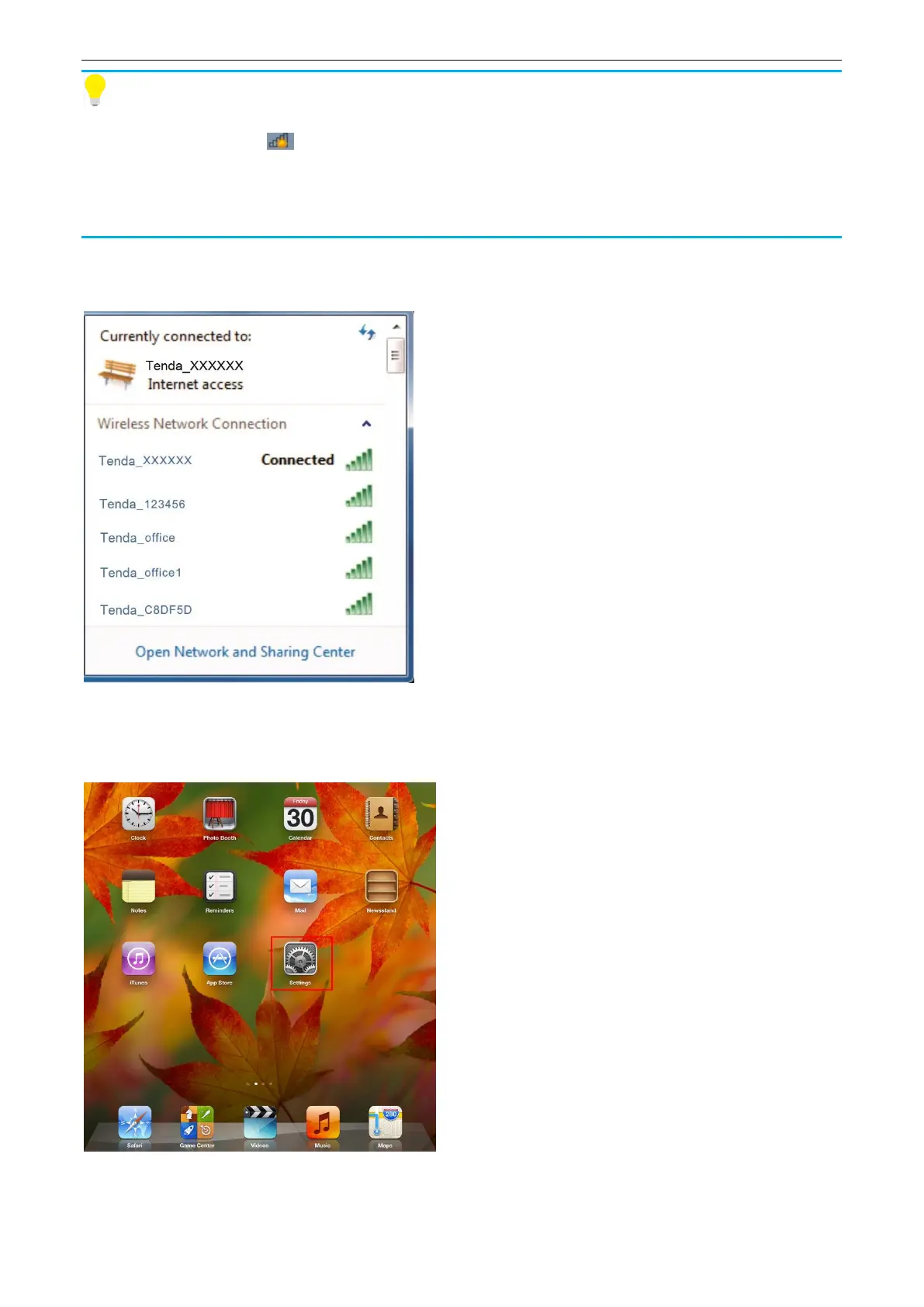
If you can’t find the icon , please move your cursor to the lower left corner of your desktop,
select Start > Control Panel > Network and internet > Network and Sharing Center > Change
adapter settings, right click Wireless Network Connection and select Connect/Disconnect.
When Connected appears, the device is connected to the router’s WiFi network.
iPad/iPhone
1. Tap Settings.
2. Tap Wi-Fi, choose your SSID, enter the WiFi password, and tap Join.


 To Next Page
 Loading...