Functions on the router’s user interface
23
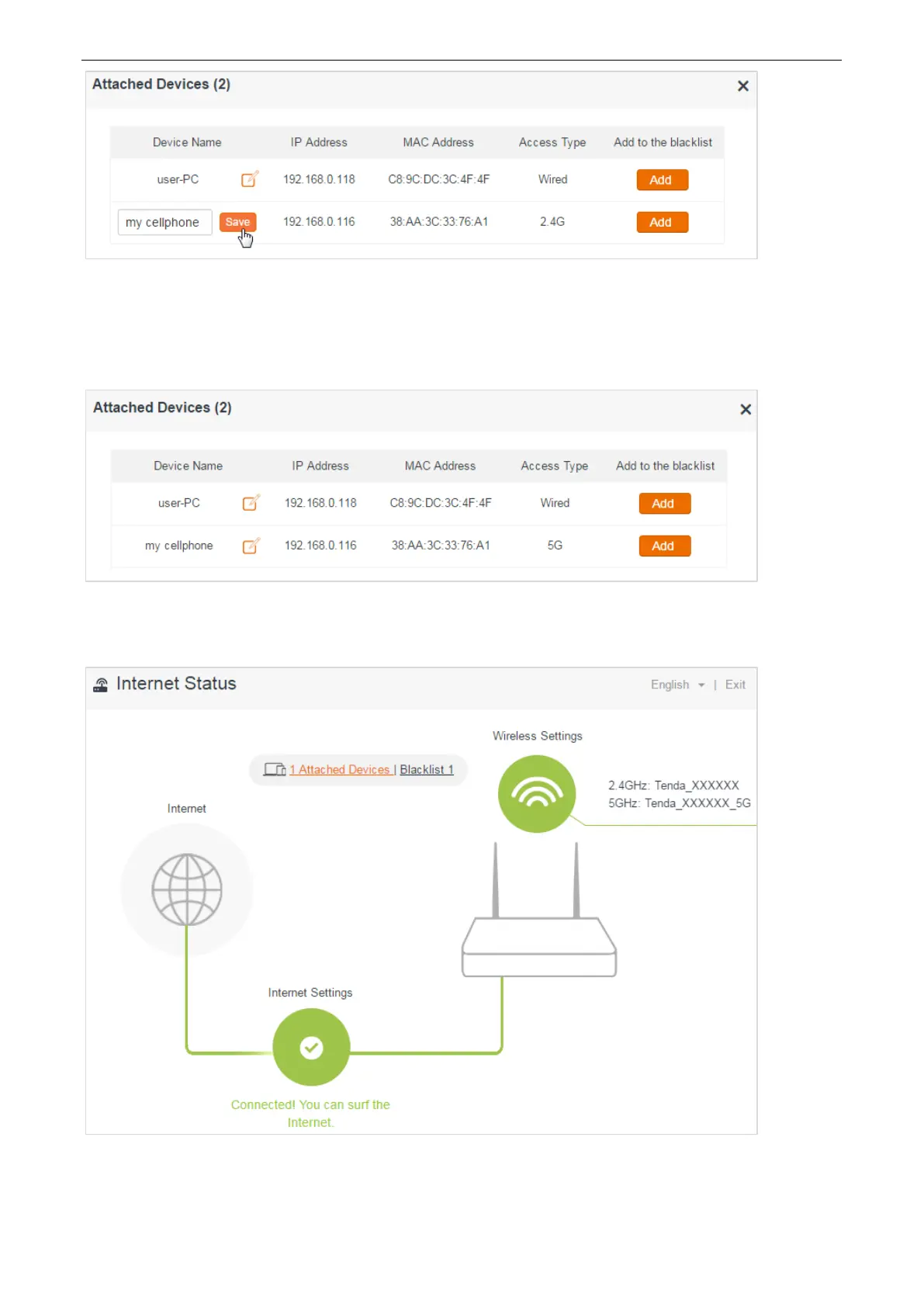
Add to the blacklist
If you find unknown devices in your network from the Attached Devices list, you can add them to
the blacklist by clicking the corresponding Add button. Devices in the blacklist can’t access the
internet through the router.
Blacklist
Devices in the blacklist can’t access the internet through the router.
If you want a device that is in the Blacklist to connect to the router, click Remove.


 To Next Page
 Loading...