Functions on the router’s user interface
46
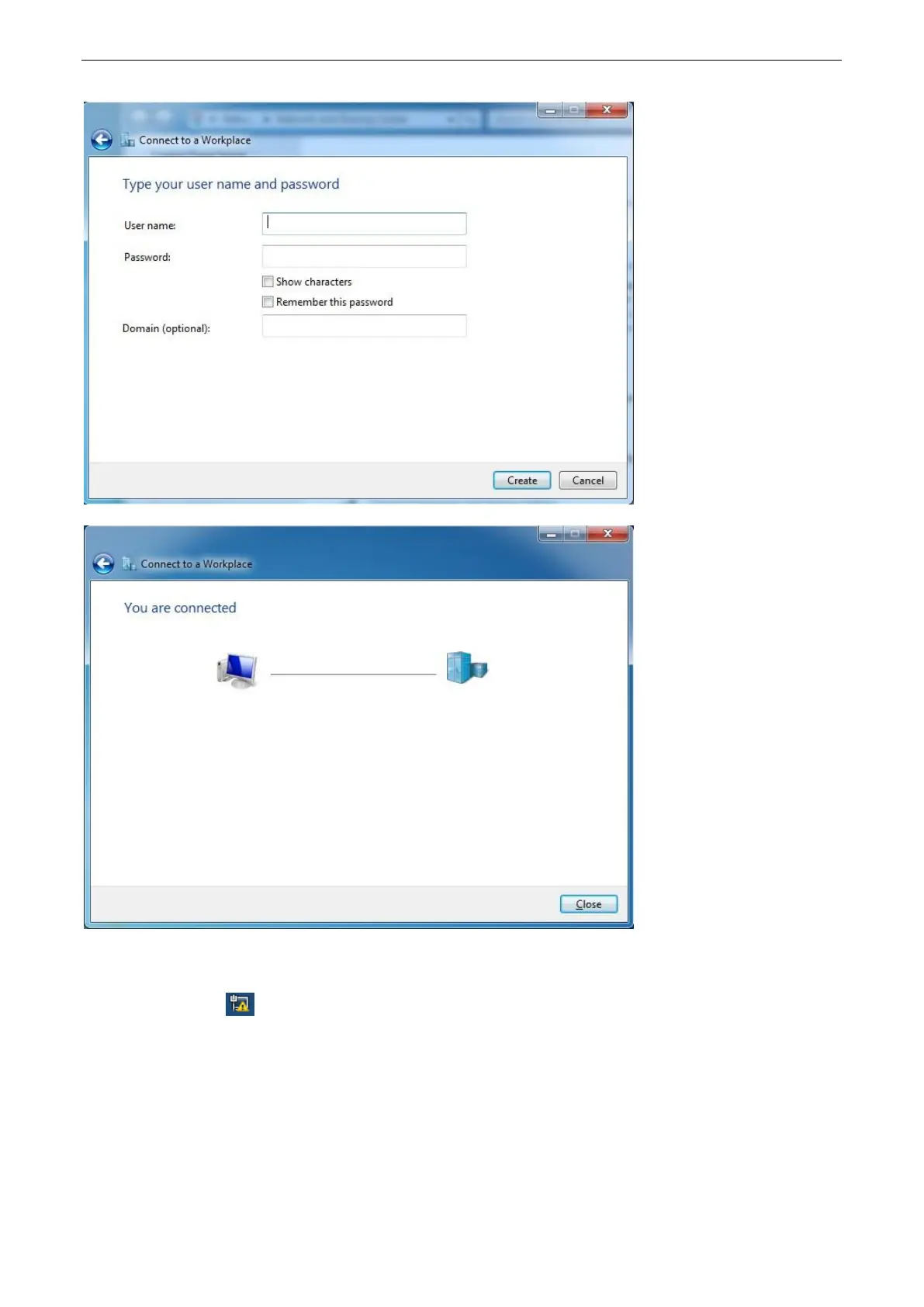
5. Type the user name and password of the PPTP server, click Create, and then click Close.
If you fail to establish a VPN connection, follow the steps below to solve the issue:
1. Click the icon on the bottom right corner of your desktop, and then right-click VPN
Connection.


 To Next Page
 Loading...