EasyManua.ls Logo

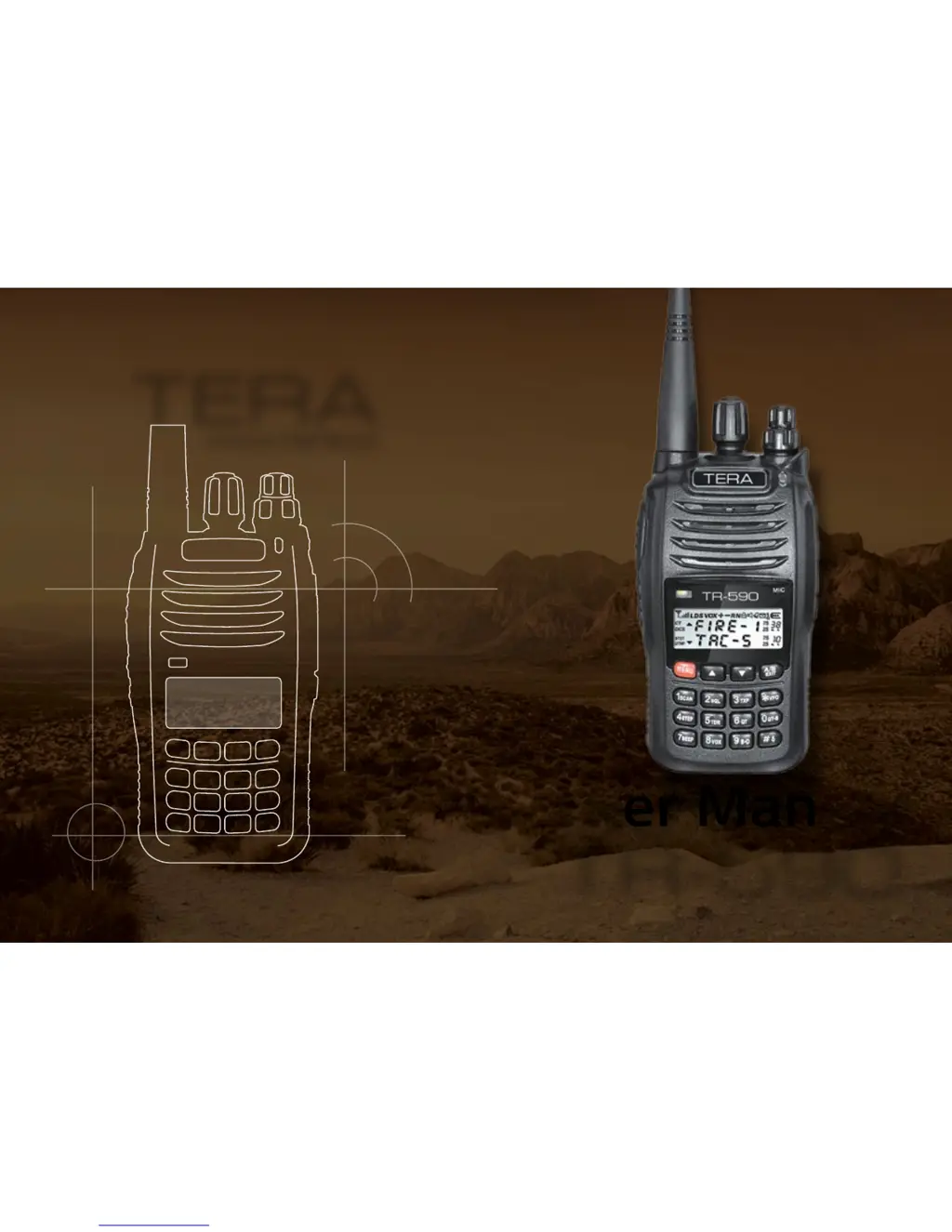
Tera TR-590 - User Manual

Tera TR-590
58 pages
Print Icon
To Next Page IconTo Next Page
Loading...
TERA
User Manual
TR-590
www.tera.co
TERA
User Manual
TR-590
www.tera.co

Table of Contents

Questions and Answers

  • F
    Frank Garcia MDJul 30, 2025
    Why Tera Transceiver radio will not turn on?
    • R
      Richard AguilarJul 30, 2025
      If your Tera Transceiver radio won't turn on, there are several possible reasons: * The battery may not be installed correctly. Try reinstalling the battery. * The battery power may be exhausted. Charge the battery for two hours. * The battery may be old. Consider purchasing a new battery.
  • G
    Grace MooreAug 4, 2025
    What to do if Tera Transceiver keypad and the PTT key is unresponsive?
    • S
      seanmoralesAug 4, 2025
      If the keypad and PTT key on your Tera Transceiver are unresponsive: * The lock function could be turned on. Unlock the keypad. * You could be in FM radio mode. If the display indicates 'FM', exit FM radio mode.
  • J
    jennadiazAug 8, 2025
    What to do if Tera TR-590 Transceiver receiving light remains on, but the speaker is silent?
    • M
      Michael MullinsAug 8, 2025
      If the receiving light on your Tera Transceiver remains on, but the speaker is silent: * The volume switch may be turned down. Check and adjust the volume. * The CTCSS enc/decode may be wrong. Ensure you use the correct mute method. Also, ensure you have the correct CTCSS/CDCSS tone in use or turned off.
  • C
    cindy87Aug 12, 2025
    Why Tera TR-590 radio is transmitting while no one is talking?
    • S
      Sally GrantAug 12, 2025
      If your Tera Transceiver radio is transmitting while no one is talking, the VOX level is likely set too low (too sensitive). Turn VOX off, or set it to a higher level.
  • M
    michelle22Aug 16, 2025
    What to do if Tera Transceiver has no audio from radio speaker?
    • J
      Jack StephensAug 16, 2025
      If there is no audio from your Tera Transceiver radio speaker: * Ensure the antenna is tightened by screwing it down until snug. * The local radio FM signal may be too weak. Move to a place where the radio signal is strong. * Press the key to reset the radio, then press the key to select the radio frequency.
  • P
    paula00Aug 20, 2025
    What to do if Tera Transceiver receive voice or interferences?
    • K
      Kenneth HughesAug 20, 2025
      If you are receiving voice or interferences on your Tera Transceiver: * You may have set a wrong frequency. Double-check your frequency and change to a different one if needed. * Others on that frequency may be using the same CTCSS/CDCSS tone. Choose a different CTCSS/CDCSS tone.
  • D
    Denise JacobsAug 26, 2025
    What to do if Tera Transceiver receiving light remains on, and you can’t transmit?
    • A
      Aaron RichardsAug 26, 2025
      If the receiving light remains on and you can’t transmit with your Tera Transceiver, BCLO could be turned on. Turn off BCLO.

Summary

Initial Programming

Safety Matters

Getting Acquainted

Battery Information

Details on the Li-Ion battery type, charging, and care.

Charge Operation

Step-by-step guide for charging the radio's battery.

Basic Operations

Power and Volume Control

How to switch the radio on/off and adjust audio volume.

Call Operations

Procedures for monitoring, making, and receiving calls.

Function Shortcuts Process

Functions Operating Instructions

Scan Mode and Squelch Level Settings

How to initiate scanning and adjust the squelch sensitivity.

Transmit Power and Frequency Step Settings

Adjusting transmit power levels and setting channel step frequencies.

Wired Clone Function

Troubleshooting Guide

Technical Specifications

Service and Support

Warranty and Repair Services

Details on the radio's warranty period and repair process.

Safety Precautions

General Handling and Usage Guidelines

Basic precautions for safe operation and handling of the transceiver.

Environmental and Maintenance Guidelines

Precautions regarding environmental conditions, maintenance, and accessories.

RF Exposure and Transmission Warnings

Warnings about RF exposure, transmission distance, and power levels.

Tera TR-590 Specifications

General IconGeneral
BrandTera
ModelTR-590
CategoryTransceiver
LanguageEnglish