TERA
TR-590
36
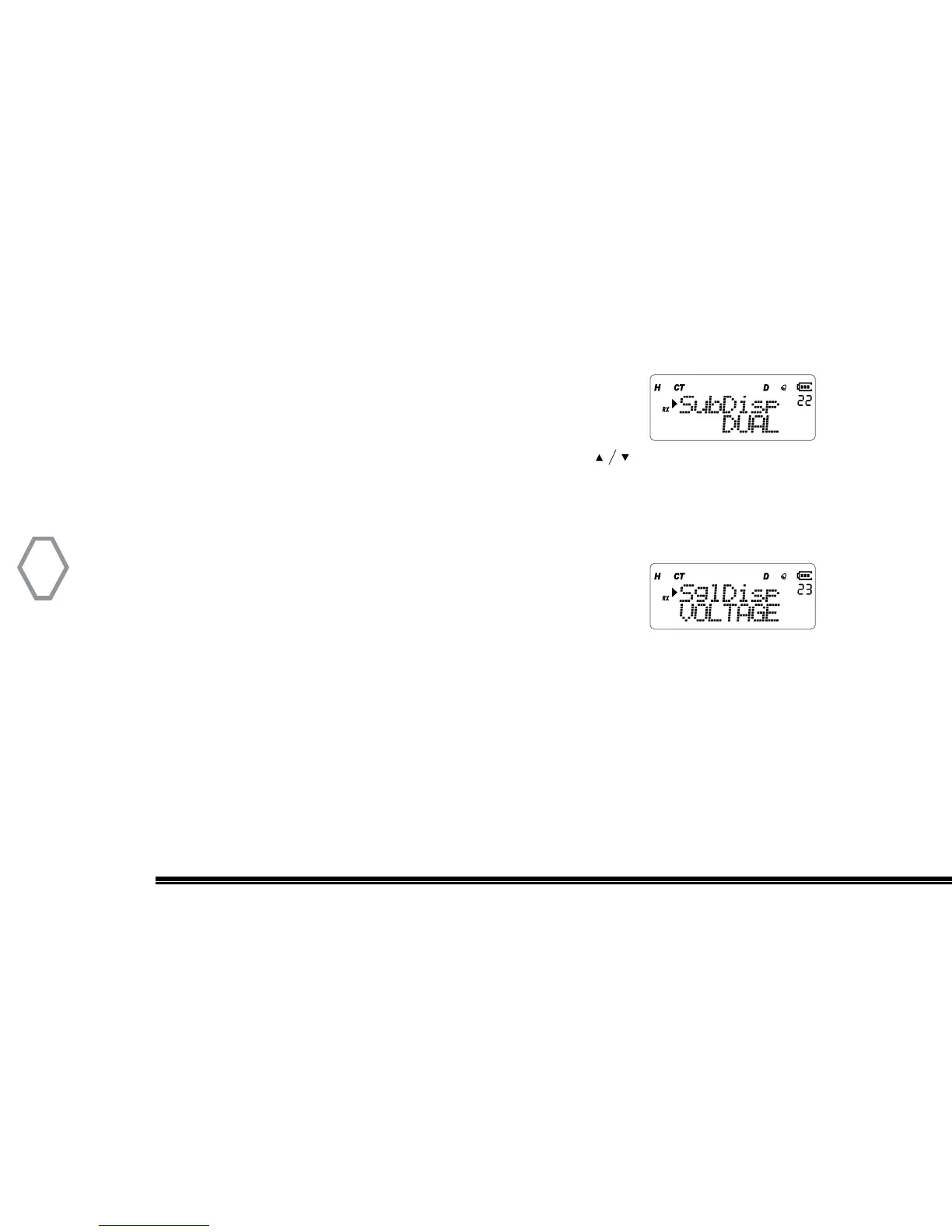
Single / Dual Display Mode (SubDisp
●
MENU 22)
Press “MENU”, then rotate the top selector knob to select
“Menu 22”, screen displays:
At that instant, press “MENU”, arrow points “DUAL”, press to select single
receive mode (only show 1 frequency), or dual receive mode (show two frequencies),
press “MENU” to confirm, press “EXIT” back to standby.
Single Display / Battery Voltage (SglDisp
●
MENU 23)
The feature allows user to select if they want Battery Voltage
displayed or Blank when operating in the Single Display mode.
Operating in the single display mode will greatly extend the radio’s battery life and oper-
ation time between recharging. Default selection is “VOLTAGE”.
Press “MENU” then rotate the top selector knob to select “Menu 23”. Right after, press
the “MENU” button and rotate the top selector knob the select (VOLTAGE or BLANK).
After making a selection press “MENU” again to confirm selection and exit the menu.


 To Next Page