TERA
TR-590
30
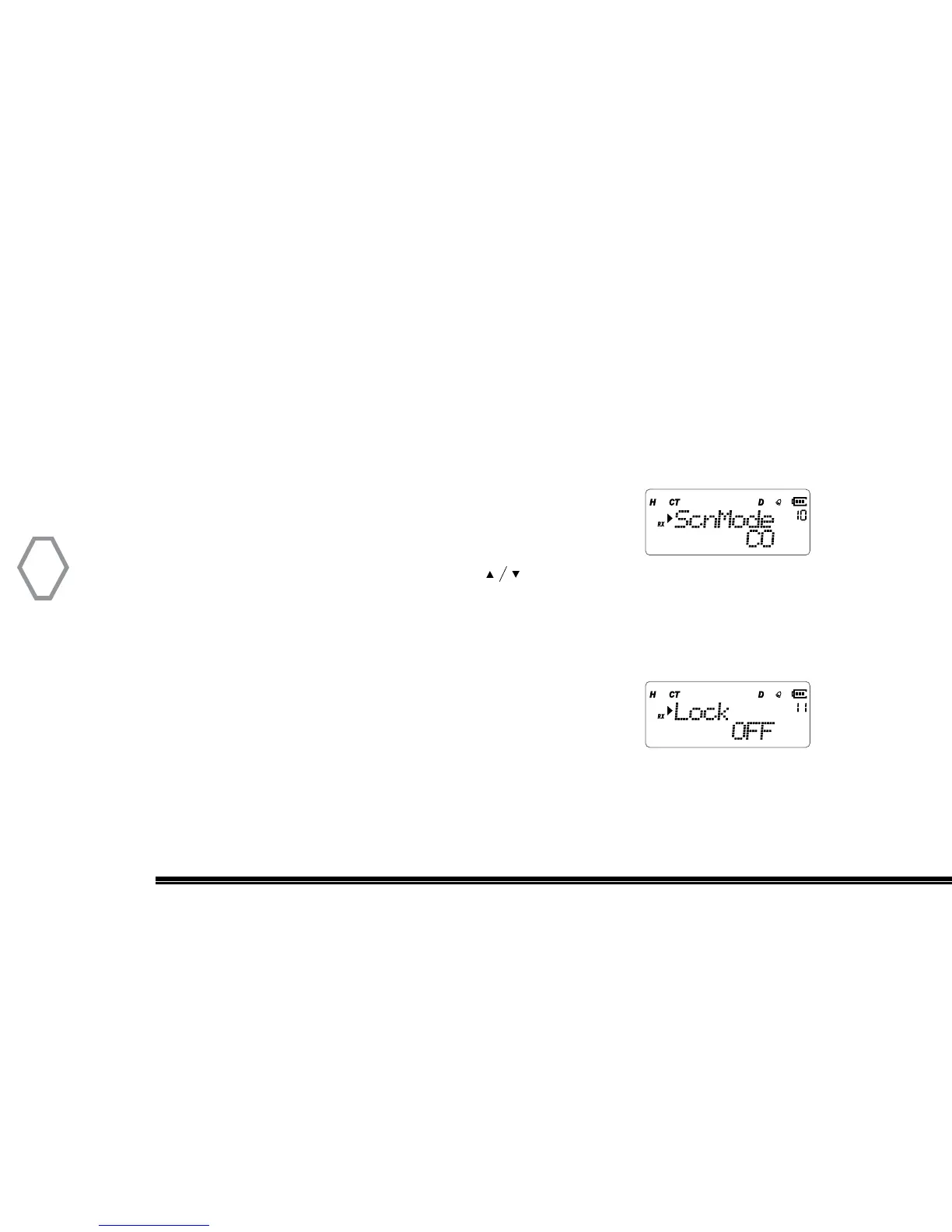
Scan Method (Scn Mode
●
MENU 10)
CO: carrier scan, stop scan when get signal and continue to scan if exceed scan-pause
time when signal is lost
SE: searching scan, scan and save when get signal, quit scan mode.
TO: time scan, continue to scan if exceed scan-pause time whether signal is lost or not.
Press “MENU”, then rotate the top selector knob to select
“Menu 10”, screen displays:
Next, press “MENU”, arrow points “CO”, press to select one of CO / SE / TO meth-
od, press “MENU” to confirmed, press “EXIT” back to standby. “CO” is the default scan
mode.
Lock (Lock
●
MENU 11)
The lock feature allows you to select which parts of the radio
will lock when you press the front keypad lock icon. User can
select “KEY” which will lock the keypad but user can still rotate top channel knob. “DIAL”
locks the top selector knob but keypad is still active. “ALL” locks the keypad and top
selector knob. Default selection is “ KEY” which locks the keypad only.


 To Next Page