TERA
TR-590
25
Functions Operating Instructions
Scan Mode (MENU 0)
Press “MENU” + number 0 in standby mode, and the radio will start scanning.
Squelch Level Setting (Sql Levl
●
MENU 1)
Squelch Level Setting is to choose to open or close squelch when signal strength is
strong or weak. A high squelch setting will block weak signals. A setting too low will
exposes you to noise or other unrelated signals. There is 0~9 levels, 1=low, 9=highest.
Among them, level 0 is always open squelch. A setting of “5” is the default squelch set-
ting for this radio.
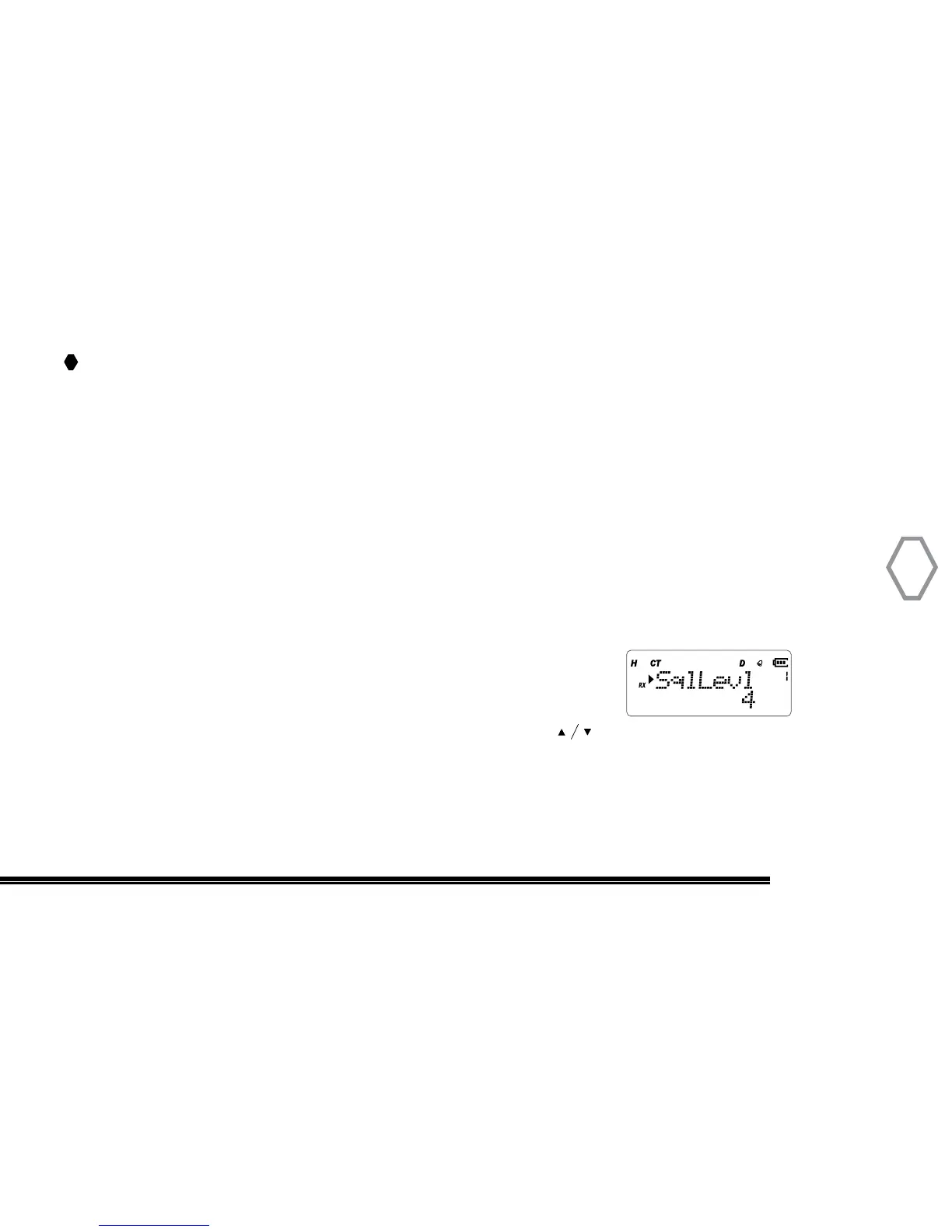
Press “MENU”+ number 1 in standby mode, screen displays:
Then, press “MENU”, arrow points to number 4, press to select squelch level, then
press “MENU” to confirm, press “EXIT” back to standby mode.


 To Next Page