TERA
TR-590
28
Repeater Offset Frequency Direction (Rpt Dir
●
MENU 6)
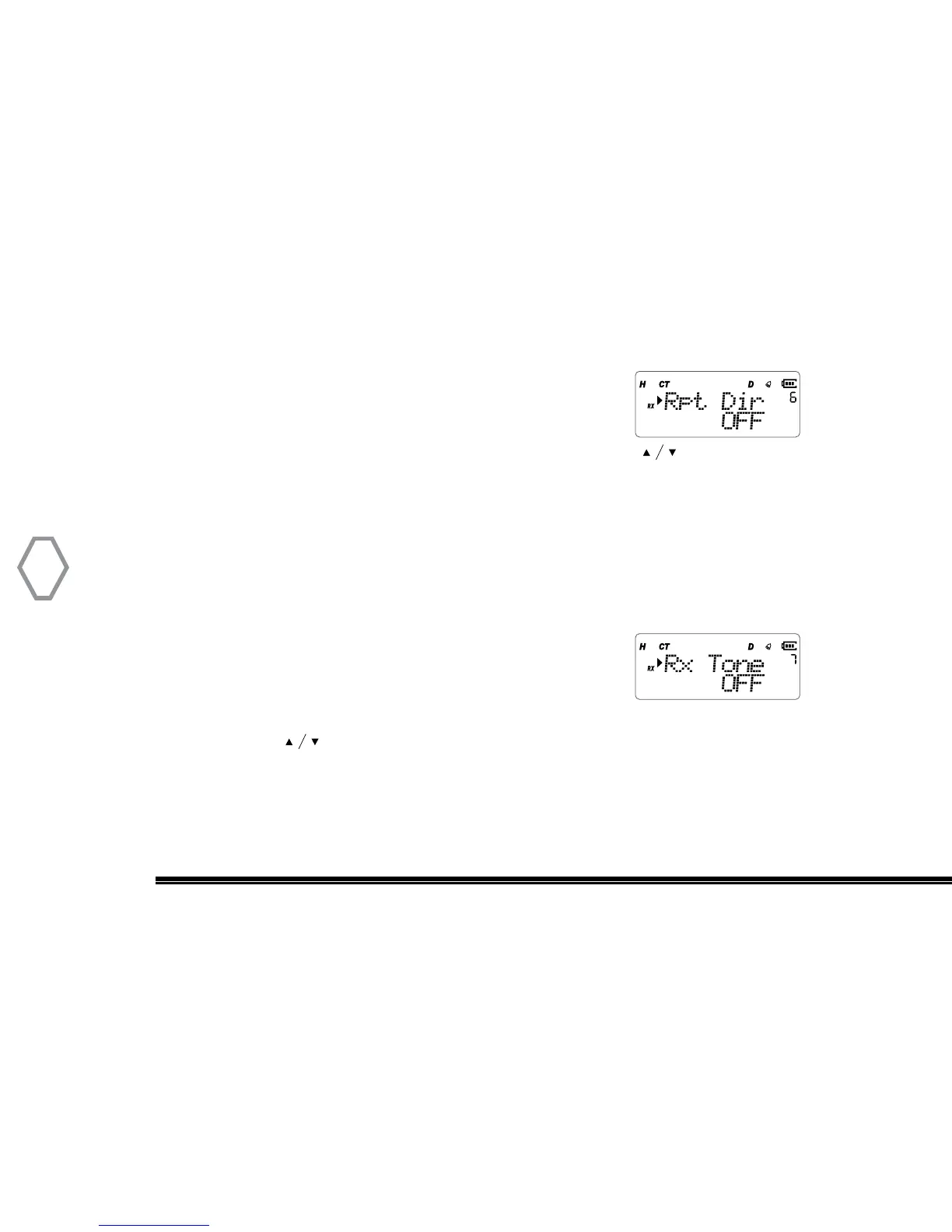
Press “MENU” + number 6 in standby mode, screen displays:
At that instant, press “ MENU”, arrow points “OFF” place, press to select one of OFF
/ + / - mode, press “MENU” to confirm, press “EXIT” back to standby.
Radio won’t transmit if the transmission Shift Frequency is above or below the allowable
range. Under this condition, please adjust receive frequency or frequency difference of
the Shift Frequency into allowable range.
Receive CTCSS / DCS Code Set (Rx Tone
●
MENU 7)
Press “MENU” + number 7 in standby mode, screen displays:
Right after, press “ MENU”, arrow points “OFF”, and press # key to select CTCSS or DCS
Receive code, or press to select one of 67.0 Hz/D023N/D023I , press “MENU” to
confirm, press “EXIT” back to standby.


 To Next Page