TERA
TR-590
29
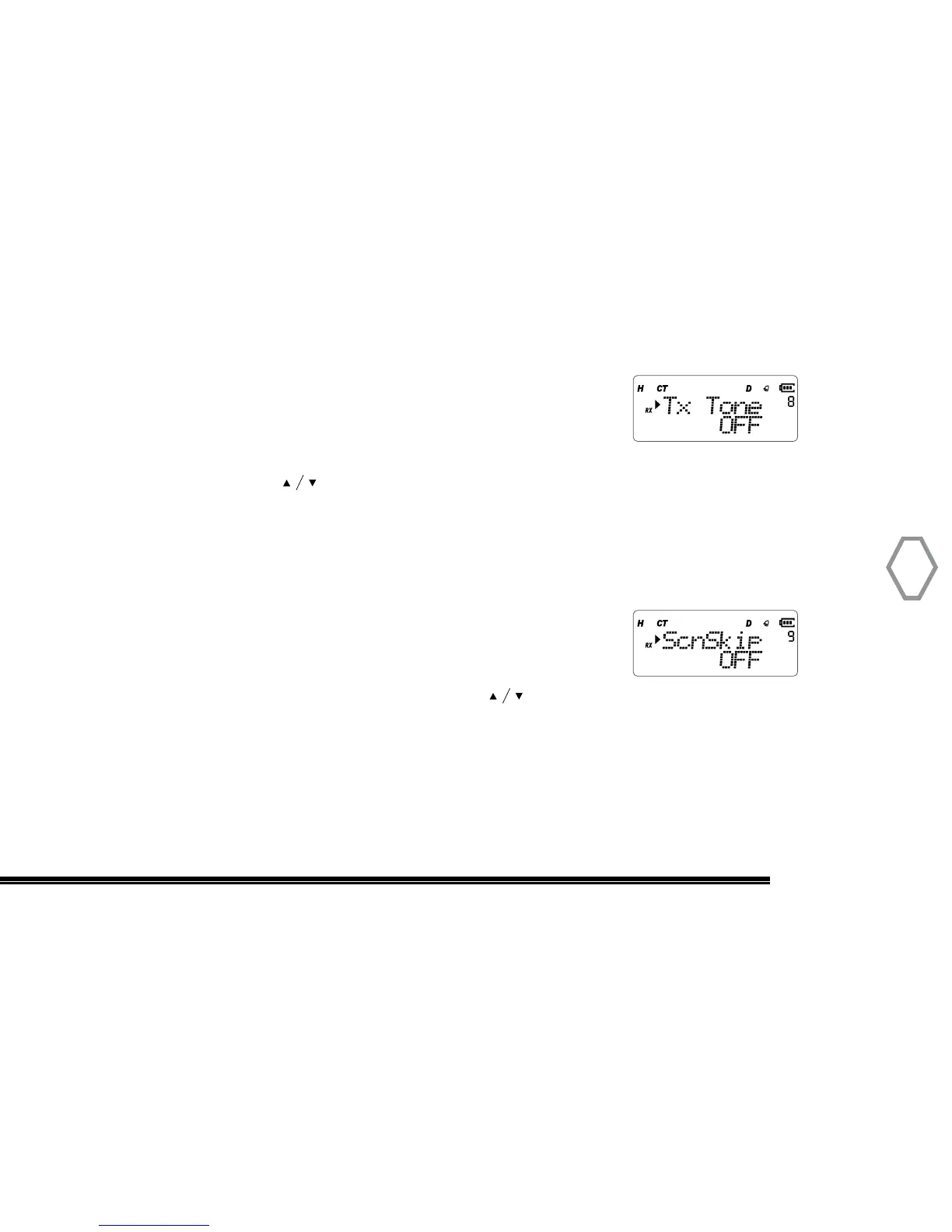
Transmit CTCSS / DCS Code Set (Tx Tone
●
MENU 8)
Press “MENU” + number 8 in standby mode, screen displays:
Then, press “ MENU”, arrow points “OFF”, and press # key to select CTCSS or DCS
Receive code, or press to select one of 67.0 Hz/D023N/D023I , press “MENU” to
confirm, press “EXIT” back to standby.
Scan Add (ScnSkip
●
MENU 9)
Press “MENU” + number 9 in standby mode, screen displays:
Then, press “MENU”, arrow points “ON”, press to select ON to add
current channel into scan list , or select “OFF” to delete current channel from scan list,
press “MENU” to confirm, press “EXIT” back to standby.


 To Next Page