TERA
TR-590
33
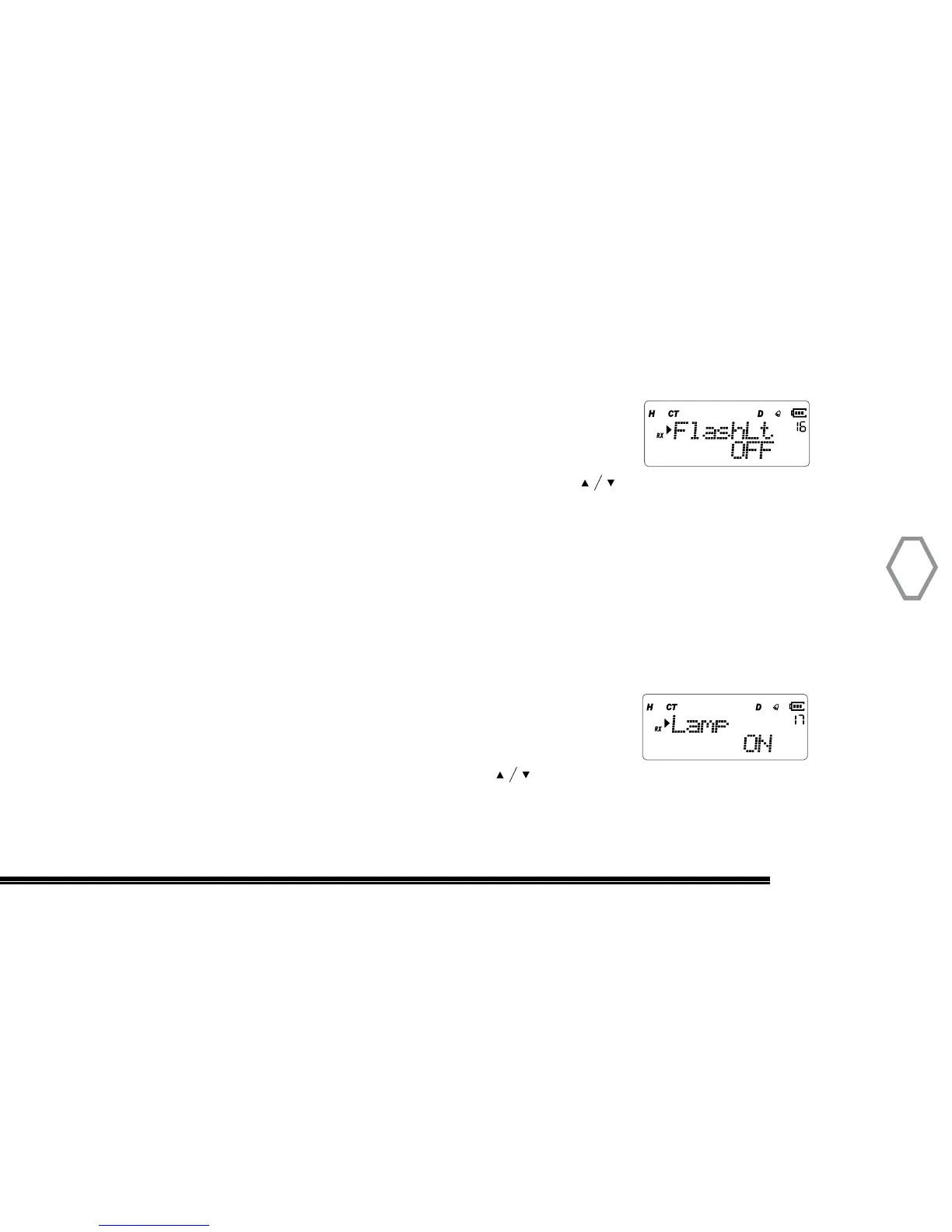
Flashlight Set (FlashLt
●
MENU 16)
Press “MENU” then rotate the top selector knob to select “Menu 16”, screen displays:
At that instant, press “MENU”, arrow points “OFF”, press to select to turn flashlight
on or off. Press “MENU” to confirm, press “EXIT” back to standby.
Auto Backlight Set (Lamp
●
MENU 17)
Auto backlight set will turn off backlight if no action after 6 secs. OFF: turn off;
AUTOKEY: turn on backlight when keyboard is operating; AUTOALL: turn on backlight if
there is any action, including in receiving signal.
Press “MENU”, then rotate the top selector knob to select “Menu 17”, screen displays:
Then, press “MENU”, arrow points “KEY”, press to select one of these options: AUTO-
KEY / OFF / AUTOALL, press “MENU” to confirm, press “EXIT” back to standby.


 To Next Page