TERA
TR-590
26
Transmit Power Selection (Tx Power
●
MENU 2)
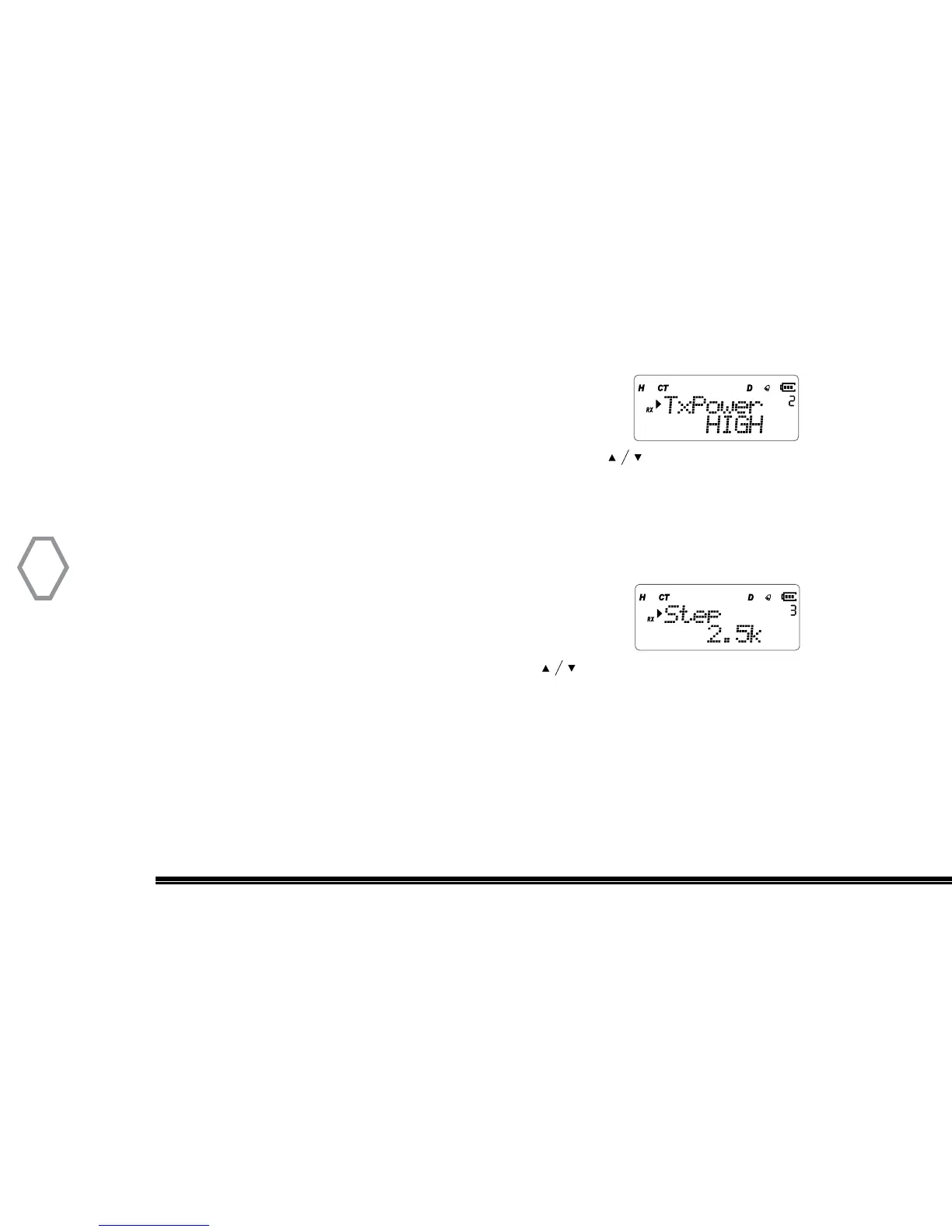
Press “MENU” + number 2 in standby mode, screen displays:
Right after, press “MENU”, arrow points “High” place, press to select HIGH /
MID / LOW mode, press “MENU” to confirm, press “EXIT” back to standby. (High=5W,
Mid=2.0W, Low=0.5W)
Channel Step Frequency Setting (Step
●
MENU 3)
Press “MENU” + number 3 in standby mode, screen displays:
Then, press “MENU”, arrow points “5K” place, press to select required step
frequency, press “Menu” to confirm, press “EXIT” back to standby. There are eight step
frequencies to select: 2.5K, 5K, 6.25K, 10K, 12.5K, 25K, 50K, 100K Hz


 To Next Page