TERA
TR-590
39
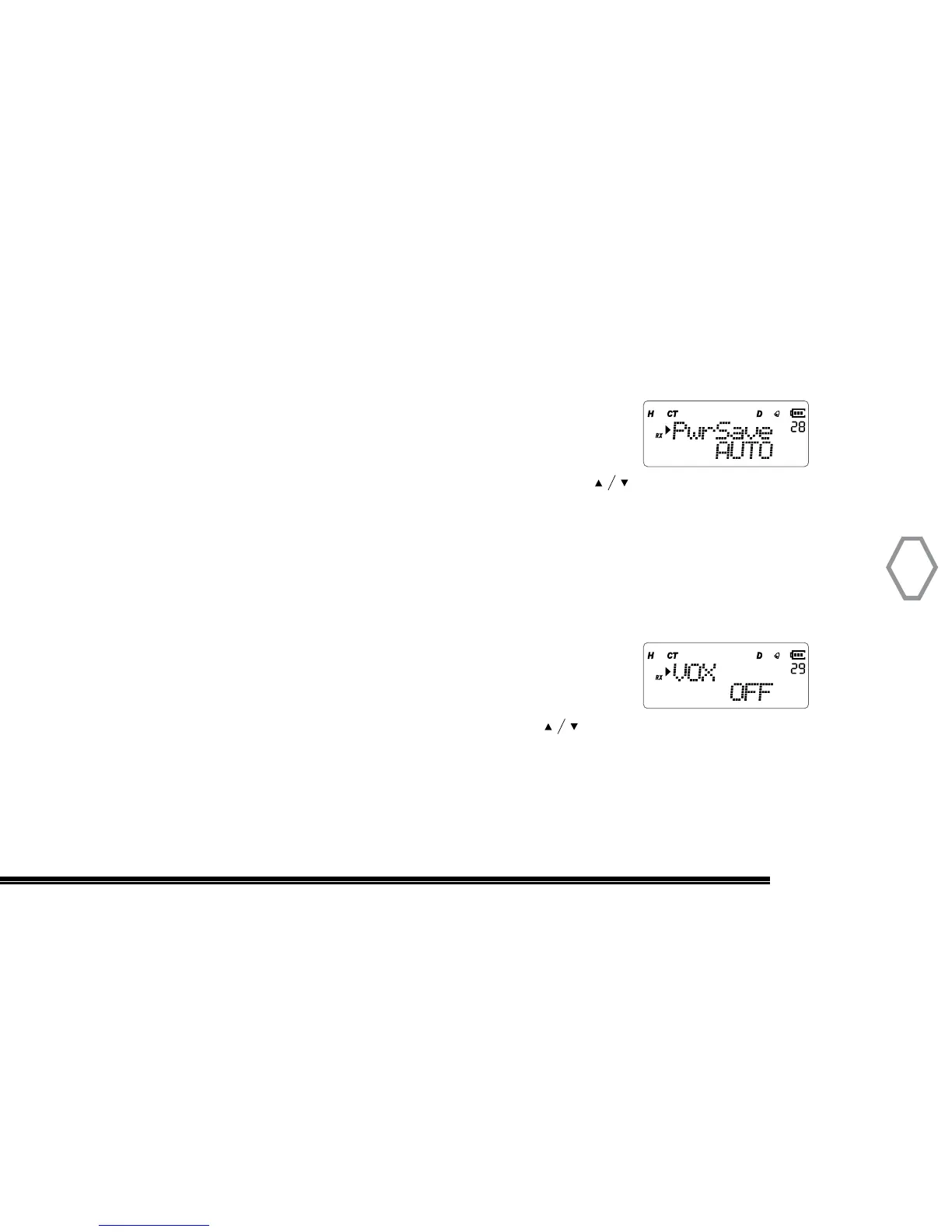
Power Save (PwrSave
●
MENU 28)
Press “MENU”, then rotate the top selector knob to select“Menu 28”, screen displays:
At that instant, press “MENU”, arrow points “AUTO”, press to select one of AUTO
smart save / simple ordinary save / OFF mode, press “MENU” to confirm, press “EXIT”
back to standby. Default is “OFF”.
VOX Control (VOX
●
MENU 29)
Press “MENU”, then rotate the top selector knob to select “Menu 29”, screen displays:
Soon after, press “MENU”, arrow points “OFF”, press to select OFF to close VOX or
select level 1~9 to turn on VOX level, press “MENU” to confirm, press “EXIT” to return
back to standby.


 To Next Page