TERA
TR-590
31
Press “MENU”, then rotate the top selector knob to select “Menu 11”. Right after, press
the “MENU” button and rotate the top selector knob the select (KEY, DIAL, or ALL). After
making a selection press “MENU” again to confirm selection and exit the menu.
Keyboard Auto-lock (AutoLck
●
MENU 12)
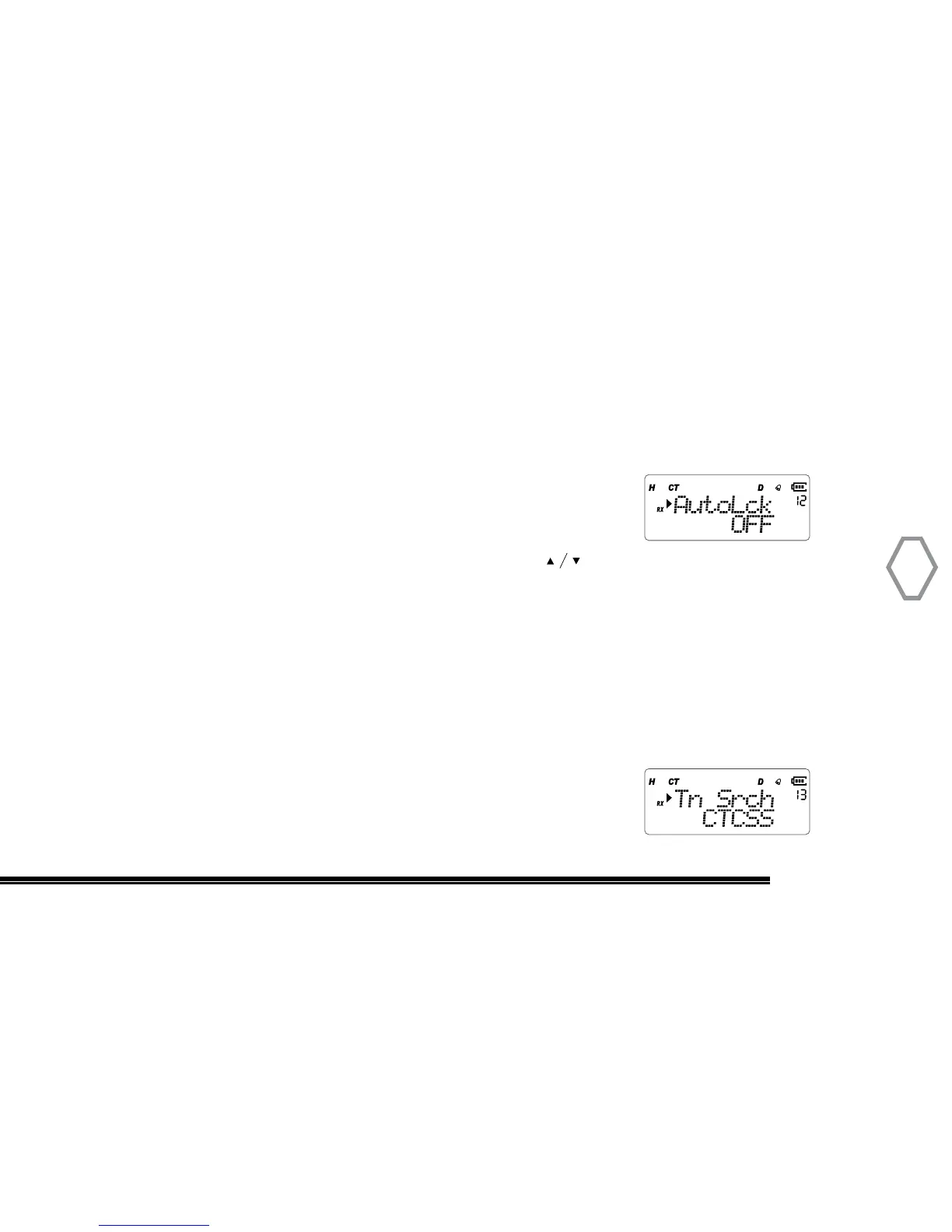
Press “MENU”, then rotate the top selector knob to select
“Menu 12”, the screen displays:
Right after, press “MENU”, arrow points “OFF”, press to select OFF to turn off this
function or turn it on, press “MENU” to confirm, press “EXIT” back to standby.
Coded Squelch Frequency Scan (TnSrch
●
MENU 13)
Coded Squelch Frequency Scan accompanied with working frequency, CTCSS: Analog
anti-interference; DCSI: reverse digital tamper-proof code. It shows “CT” sign when
scan CTCSS, shows “DCS” sign when scan DCS N, shows “search” when searching, then
screen displays CTCSS or DCS code scanned.
Press “MENU”, then rotate the top selector knob to select
“Menu 13”, screen displays:


 To Next Page