HYDRAULIC PULLER TENSIONER PT2450
Manual: MI-PT2450-050-00-GB Date: 28.07.2018 Author: AT Page: 36 of 89
“REC” button:
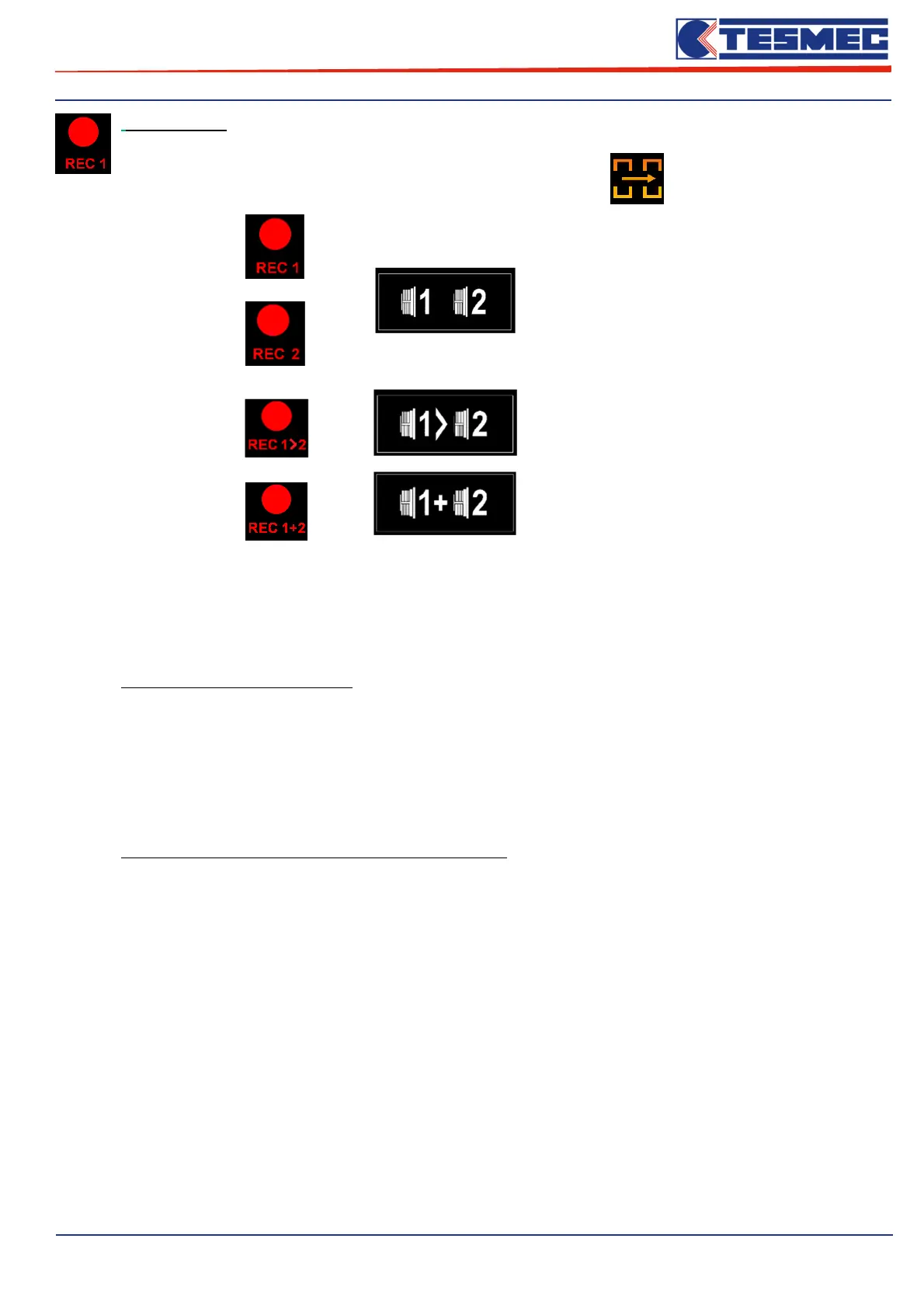
The icon of the REC button is displayed in different ways, depending on the machine's working configuration
set in the relevant "Machine settings" menu → see menu
→
Machine with
“indipendent circuit”
(See cap.5.9)
→
Machine with
“electronic connection”
(See cap.5.11)
→
Machine with
“meccanical connection”
(See cap.5.10)
In function of the option choose in the menù “Printer setting” on the point “Type of real time Log”, the
“REC” button will have different function:
With Type of real time Log “OFF”:
Pressing the "REC" button to start the recording of the main parameters of stringing: registration status is
indicated by the symbol "REC" flashes, the symbol dedicated to the shooting recorder on the main screen
of the working menu.
By pressing the "REC" meal you can stop the recording: at this point, the name of the recording will be
displayed at the center of the screen.
With Type of real time Log “BW1” / “BW2” / “BW1+BW2”:
Pressing the "REC" button to start the recording of the main parameters of stringing about “Circuit 1” o
“Circuit 2” , “Circuit 1 > Circuit 2” and “Circuit 1 + Circuit 2”.



 To Next Page