8 Using the product
41
The country version configuration affects the user interface languages that can
be enabled.
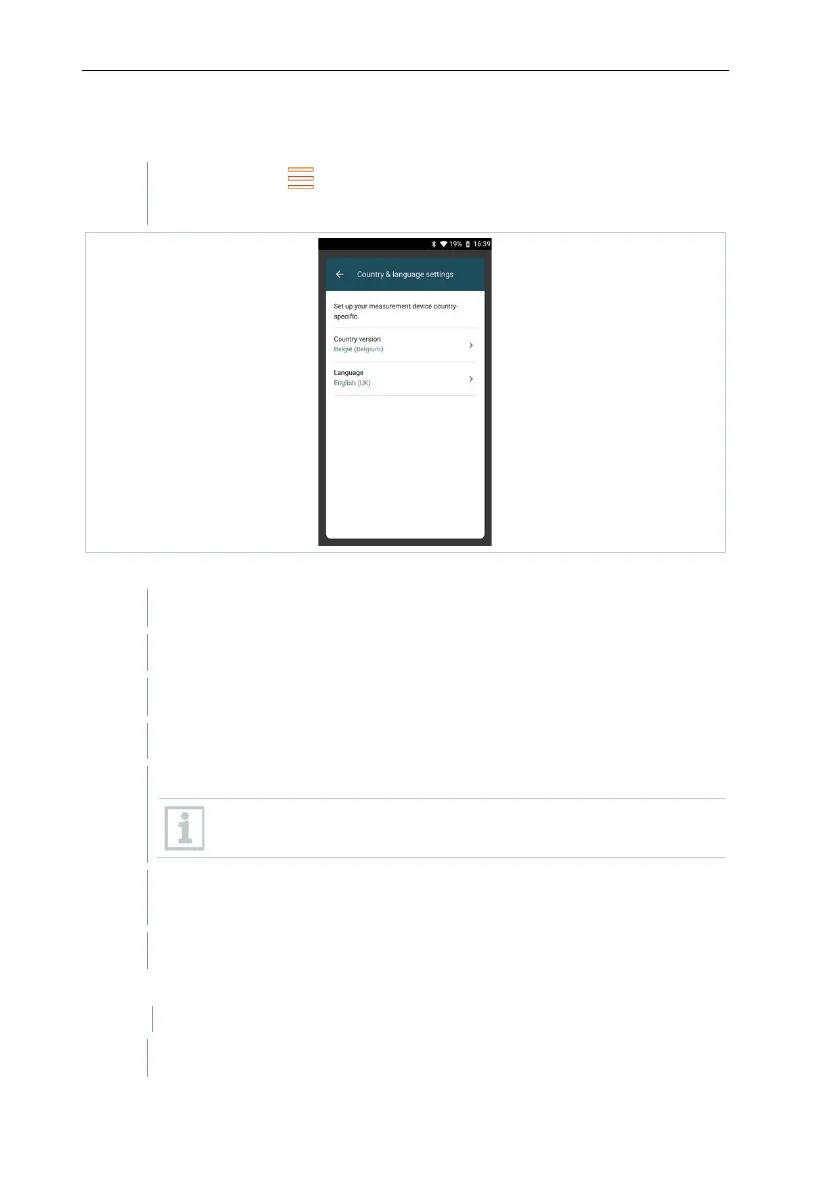
Call up function: | Device Settings | Country version and
language
Set country version
Tap Country version selection field.
The available country versions are displayed.
The query Change country version? is displayed.
Configuration of the country version can be ended by
cancelling. The display goes back to Device Settings.
The selected country version is configured (this may take a few
minutes). The Device Settings menu is then displayed.
Restart the measuring instrument to complete its configuration.
Set language
Country & language settings menu
Tap Language selection field.



 To Next Page