Speech Dialler Operators Manual
INS233 17
3
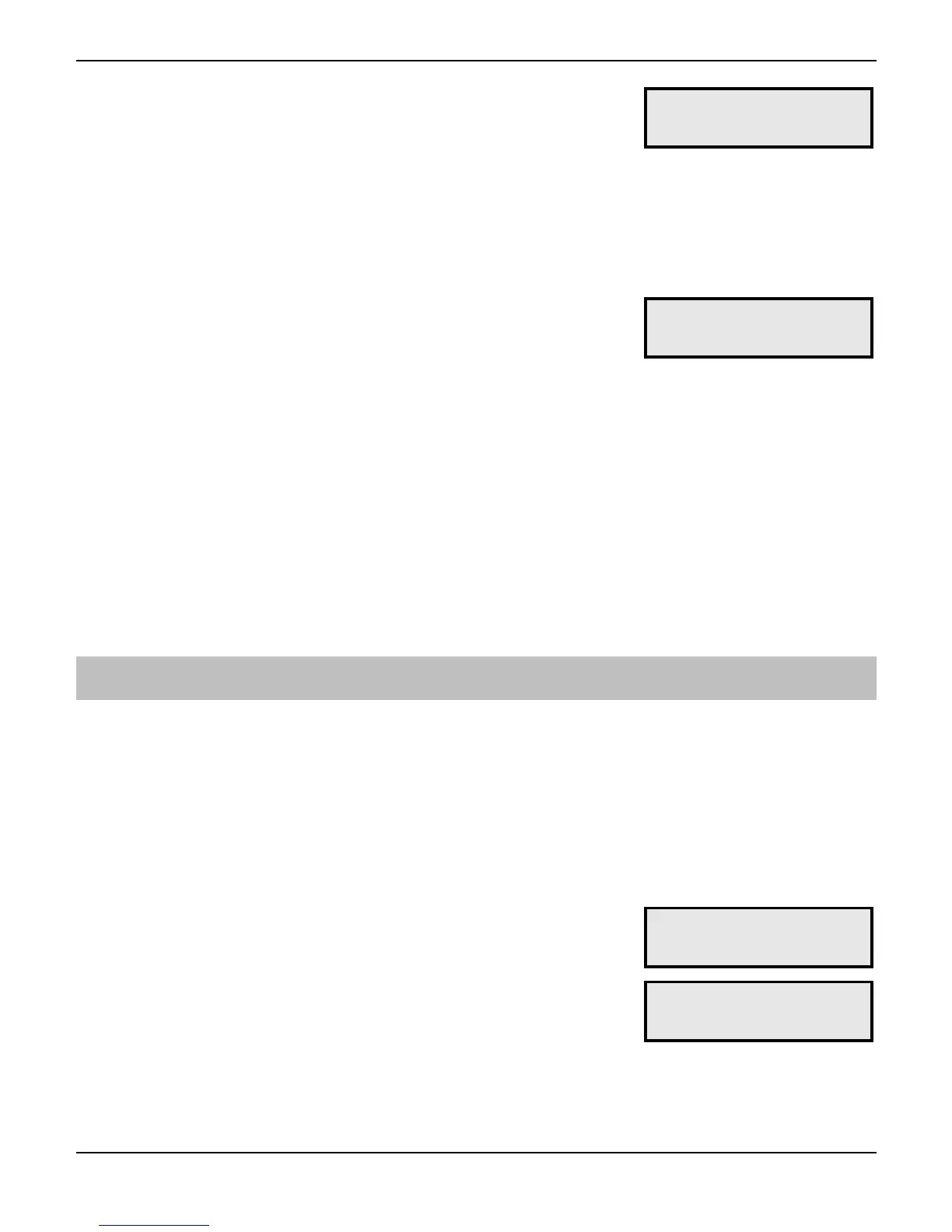
Press ! to select. The ()* on the top line of
the display indicates whether the trigger inputs
are enabled, or disabled (D*. To enable the
trigger inputs press
!, to disable them press
#. The bottom line shows the actual status of
each input () = Healthy, D = Active). The
trigger polarity is also shown on the bottom line
(2* = -ve applied, (c* = +ve applied:
E4?A+71'KRNS'()*'
-+5+A71'))))'(2*'
4
If the trigger inputs are enabled, activating them
will cause the unit call the relevant contacts.
Pressing
+ - . in this menu will simulate
an active condition on trigger inputs 1 - 4 and
will cause the unit call the relevant contacts.
Once triggered the display will show the
progress of the test call. To cancel the test at
any time press
"# or"&.
E4?A+71'KRNS'()*'
-+5+A71'))))'(2*'
5
Press * to exit this menu.
Call Log
The Speech Dialler has a 64 event Call Log that records the inputs that were triggered
and the contacts that were called. The log can be viewed in two modes - basic and
enhanced. In the basic mode the display shows all the event information in one
display. In the enhanced mode the display scrolls the event information in descriptive
text.
! To View the Call Log:
1
From the main menu press ) or 0 to
select the Call Log menu:
()*'+,'-./.0+12'
35//'@,:'
2
Press ! to select. The display shows the
most recent event:
(PK*'E4?A+'K'
K)RC

 To Next Page
 Loading...