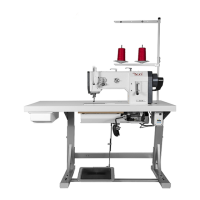
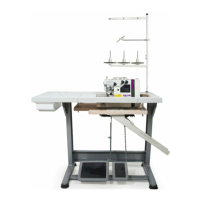
Texi Fox 25
4
FRONT COVER
TO REMOVE
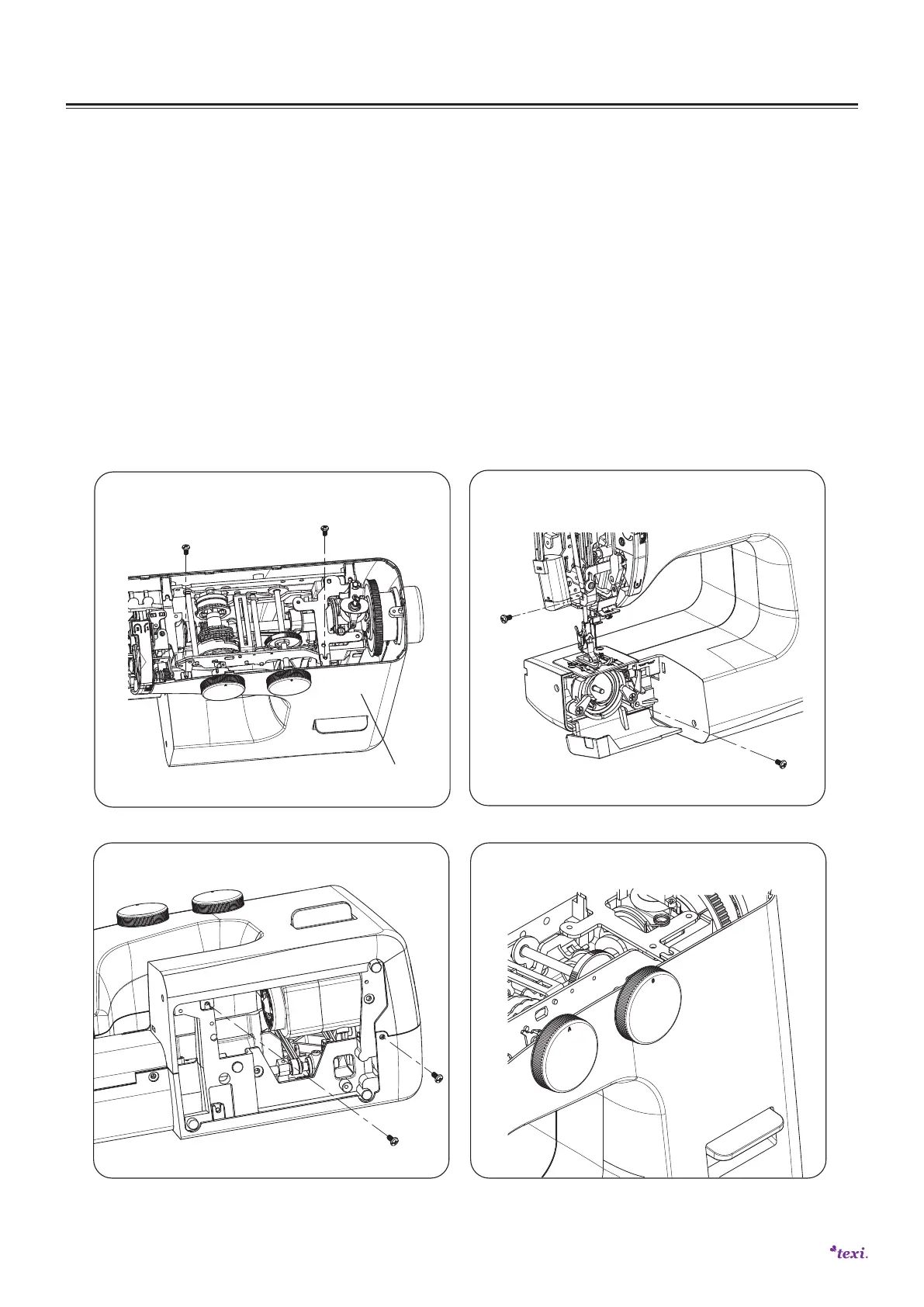
1. Remove the setscrews (A), (B). (See pic.1)
2. Remove the setscrews (C) and (D). (See pic.2)
3. Remove the setscrews (E) and (F). (See pic.3)
4. Remove the knobs (G) and (H). (See pic.4).
5. Remove the front cover.
TO ATTACH
Attach the front cover in reverse procedure of the removing.
DISASSEMBLY AND ASSEMBLY FOR COVER
pic.2
pic.1
Front cover
A
B
C
D
pic.3
E
F
pic.4
G
H

 To Next Page
 Loading...