AS 680/682
Description, Operation and Maintenance Display Configuration Tool
ADS−B
4−41Ed. 10.07
Fig. 4−64 Display Configuration, Delete List Item (example)
4.5.6 Statusbar
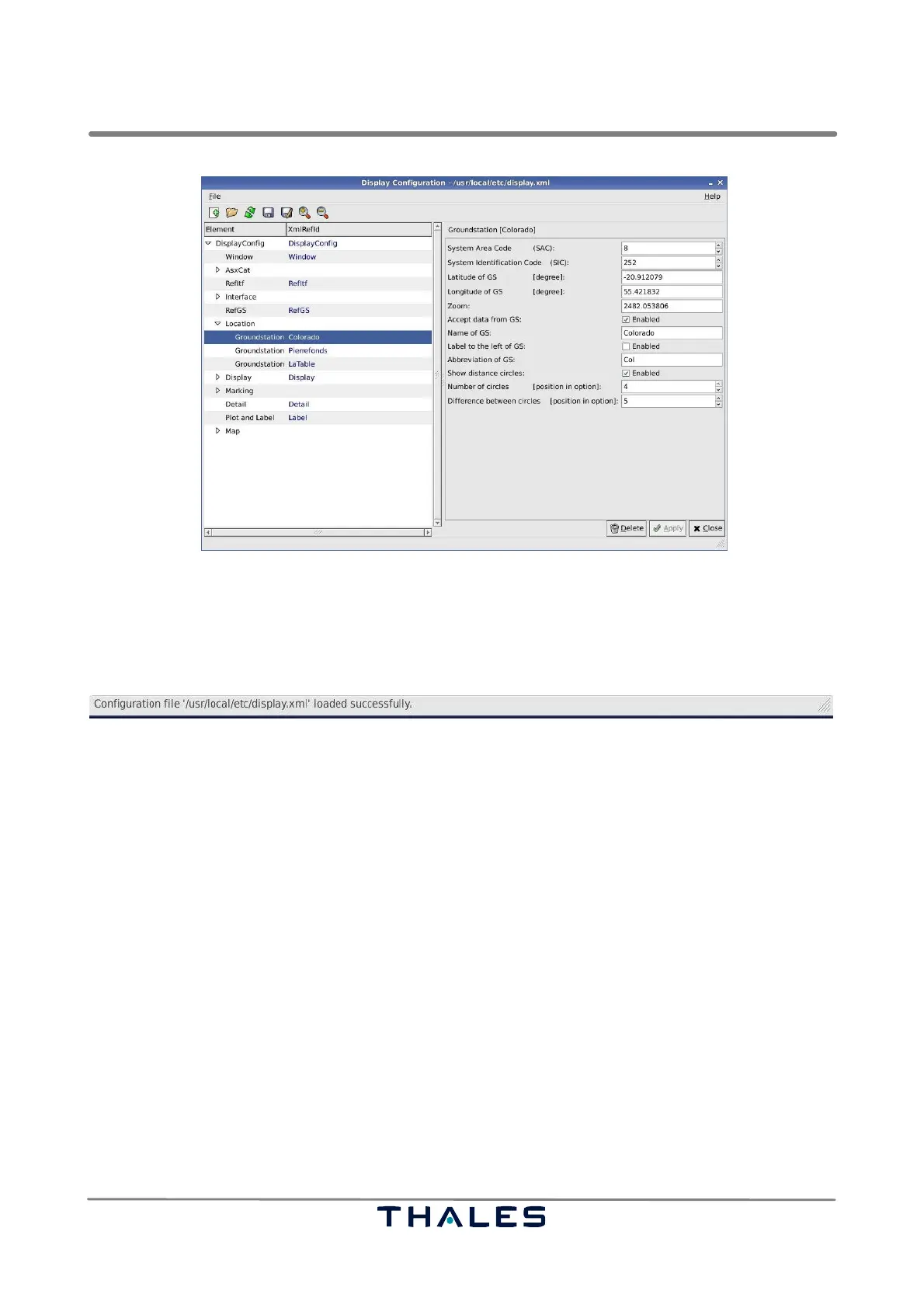
The statusbar, see Fig. 4−65, at the bottom of the Display Configuration tool shows currently per-
formed actions and their corresponding state.
Fig. 4−65 Display Configuration, Statusbar (example)
4.5.7 Parameter Panels
The following section explains the parameters, which are applicable in the Display Configuration tool.
4.5.7.1 DisplayConfig Parameters
The parameter panel DisplayConfig, see Fig. 4−66, contains some general parameters:
S The ASTERIX CAT 21 version of the data being expected. If enabled, then the older ASTERIX CAT
21 edition 0.20 data can be read and displayed, else data edition 0.23.
S File name of map: shows the path including the filename, where the vector map, displayed in the
view panel of the Technical Situation Display, is found.
S Initial rotation value of map: the loaded map can be initially displayed rotated by a configurable
angle measured in degrees.
S Max. center distance of the target: Is a value between 0 and 100 representing the section around
the center of the view, where the target may be found; if the target reaches the edge of that section,
the map will be moved so that the target is found in the center of the view. This parameter applies
only to the ’View pursues Target’ mode (refer to section 4.4.5.1).
S Font of City Names: gives the name of the font being used to display the city names in the map.
The selected font must be available on the operating system.


 To Next Page
 Loading...